// SURVEYS
Create surveys for your game
Learn directly from your players. Capture opinions, preferences, and expectations in one place.
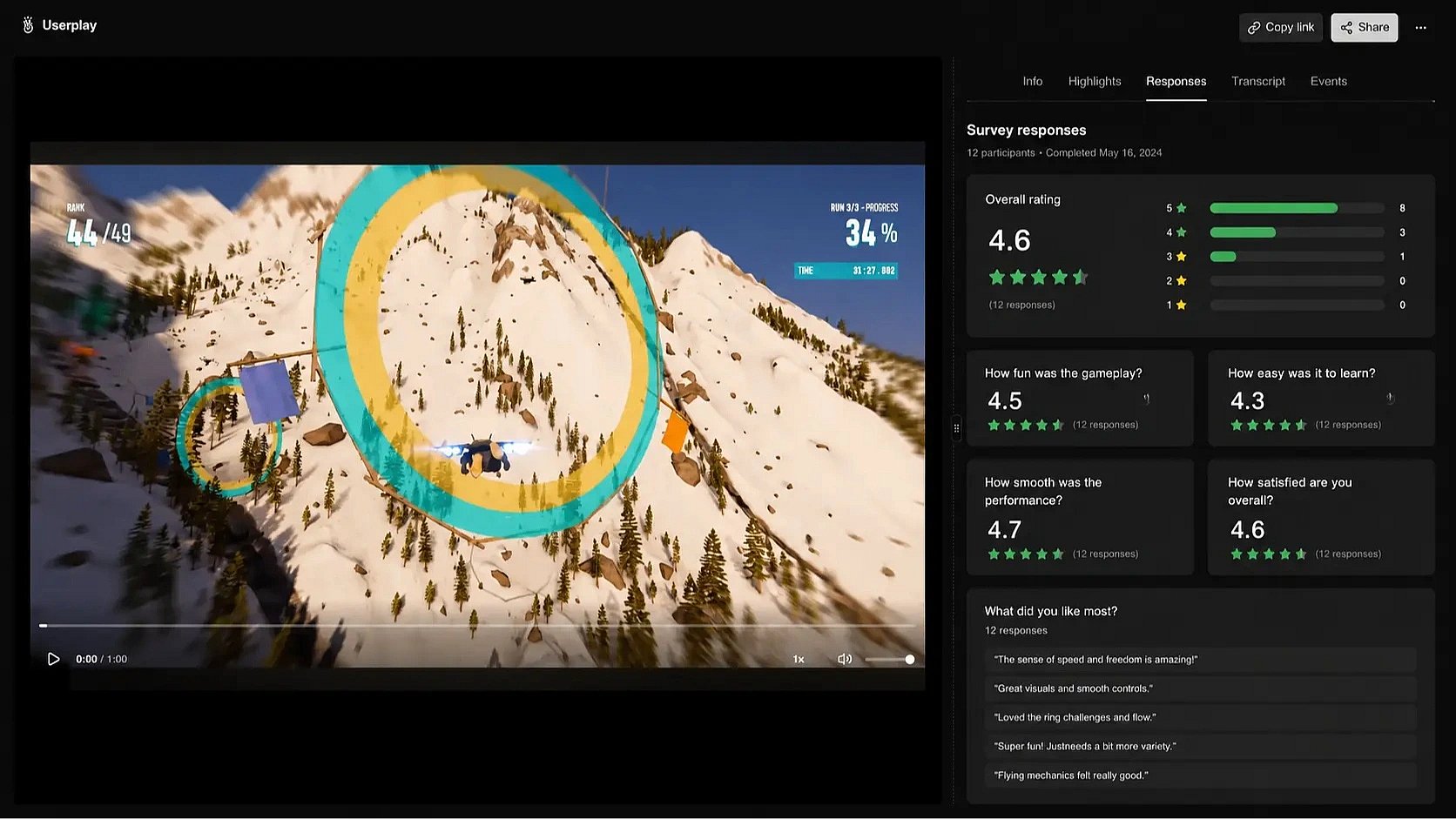
 Learn directly from your players. Capture opinions, preferences, and expectations in one place.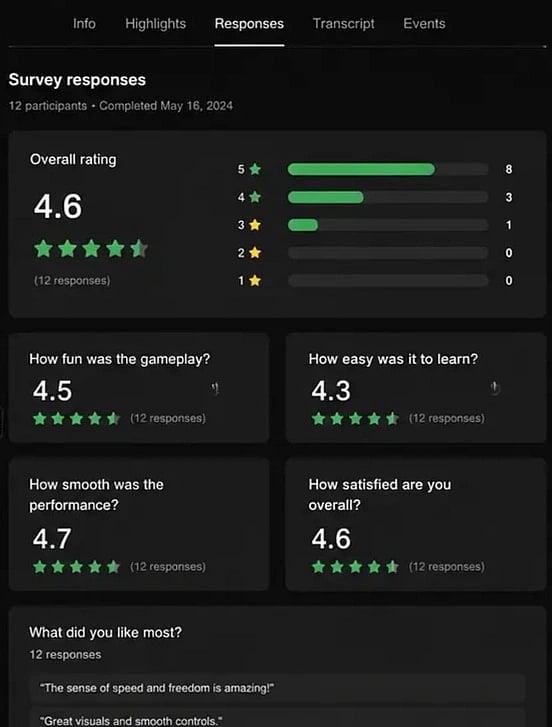
Works with
 GameMaker
  Defold
  Godot
Godot  Unity
Unity  Unreal Engine
  Steam
Steam  Epic Games
  GOG
GOG  itch.io
  Chrome
  Windows
  macOS
macOS  Linux
Linux  Web GameMaker Defold Godot Unity Unreal Engine Steam Epic Games GOG itch.io Chrome Windows macOS Linux Web
Collect feedback from your players
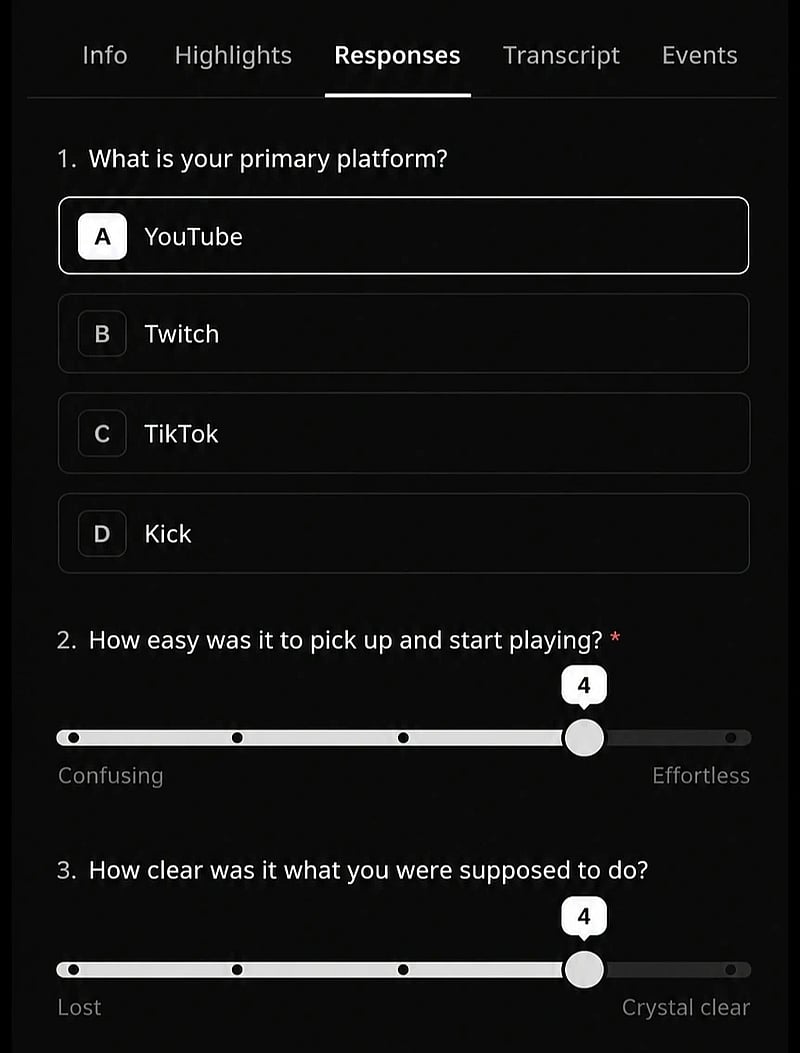
From quick pulse checks to detailed questionnaires. Choose the question types that best fit your audience.
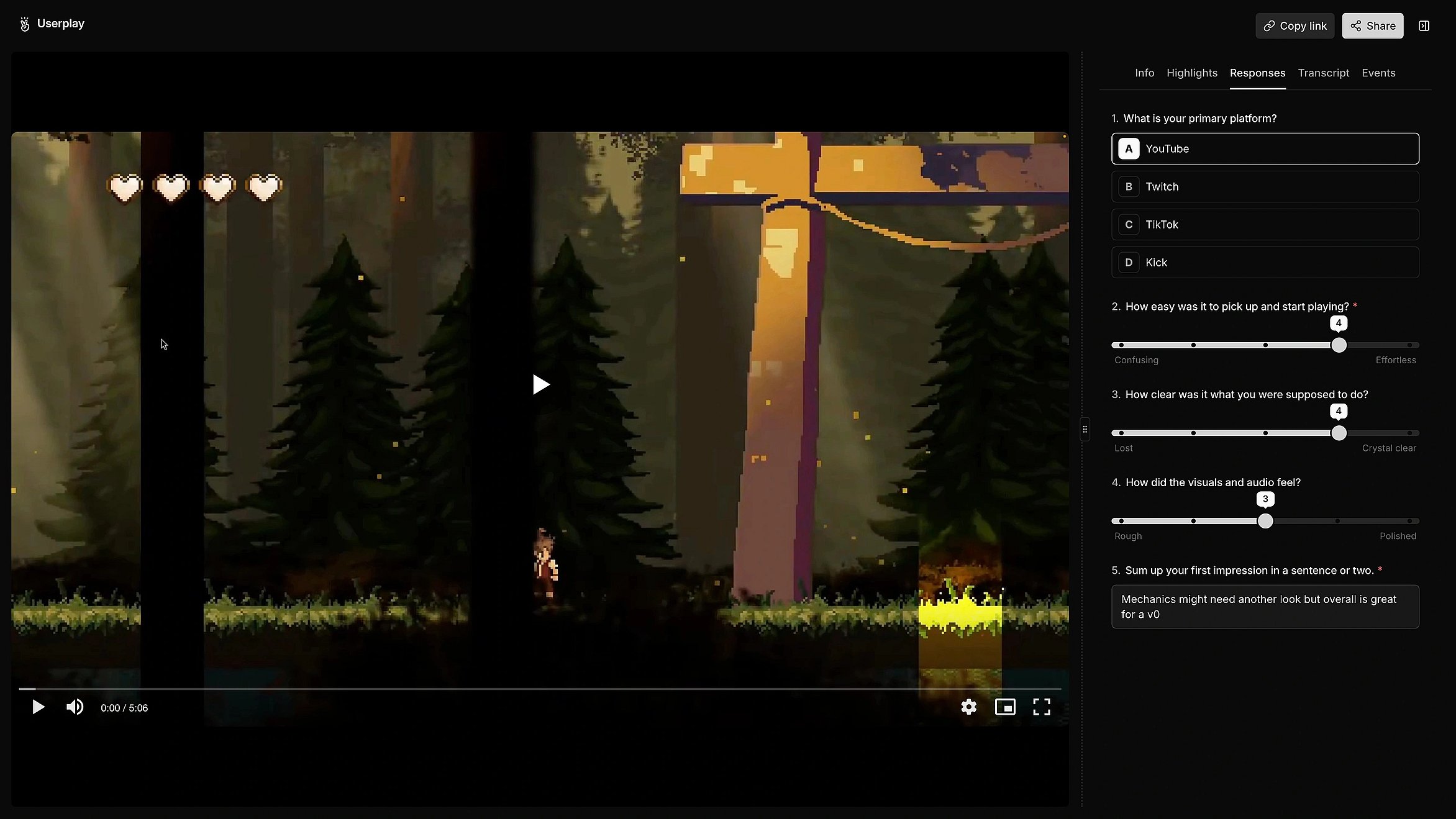

Automatically survey players after playtests
Make surveys part of every playtest. Deliver surveys after every session. No follow-up required.
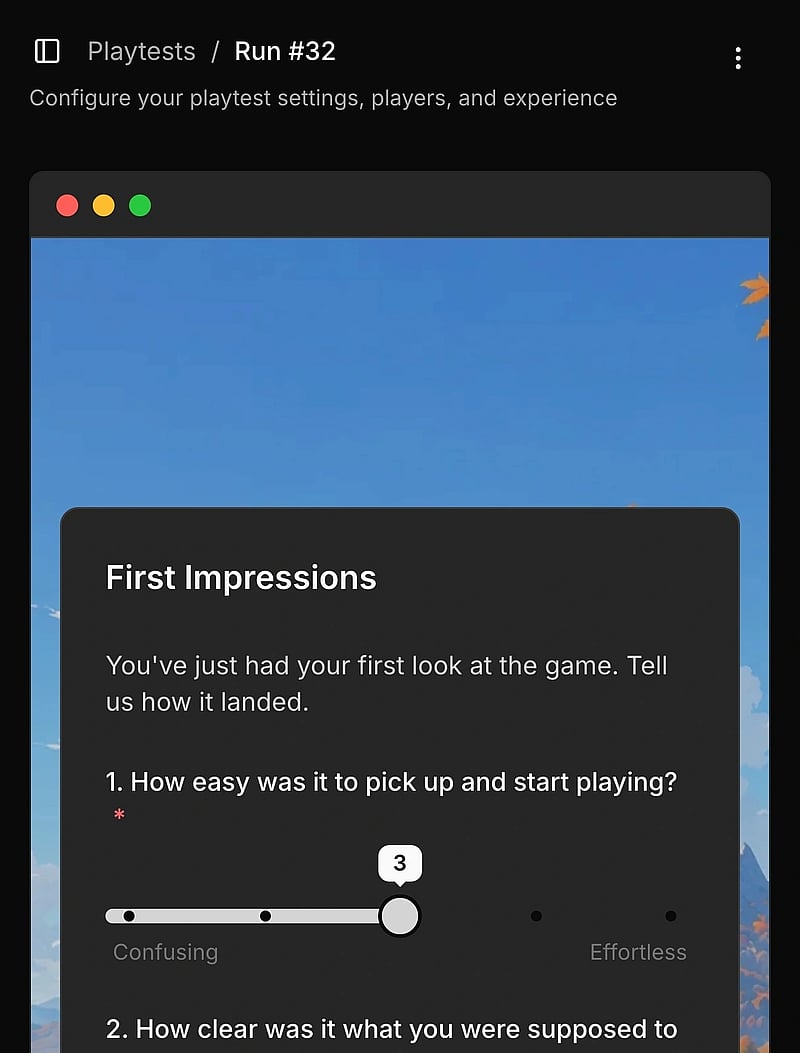
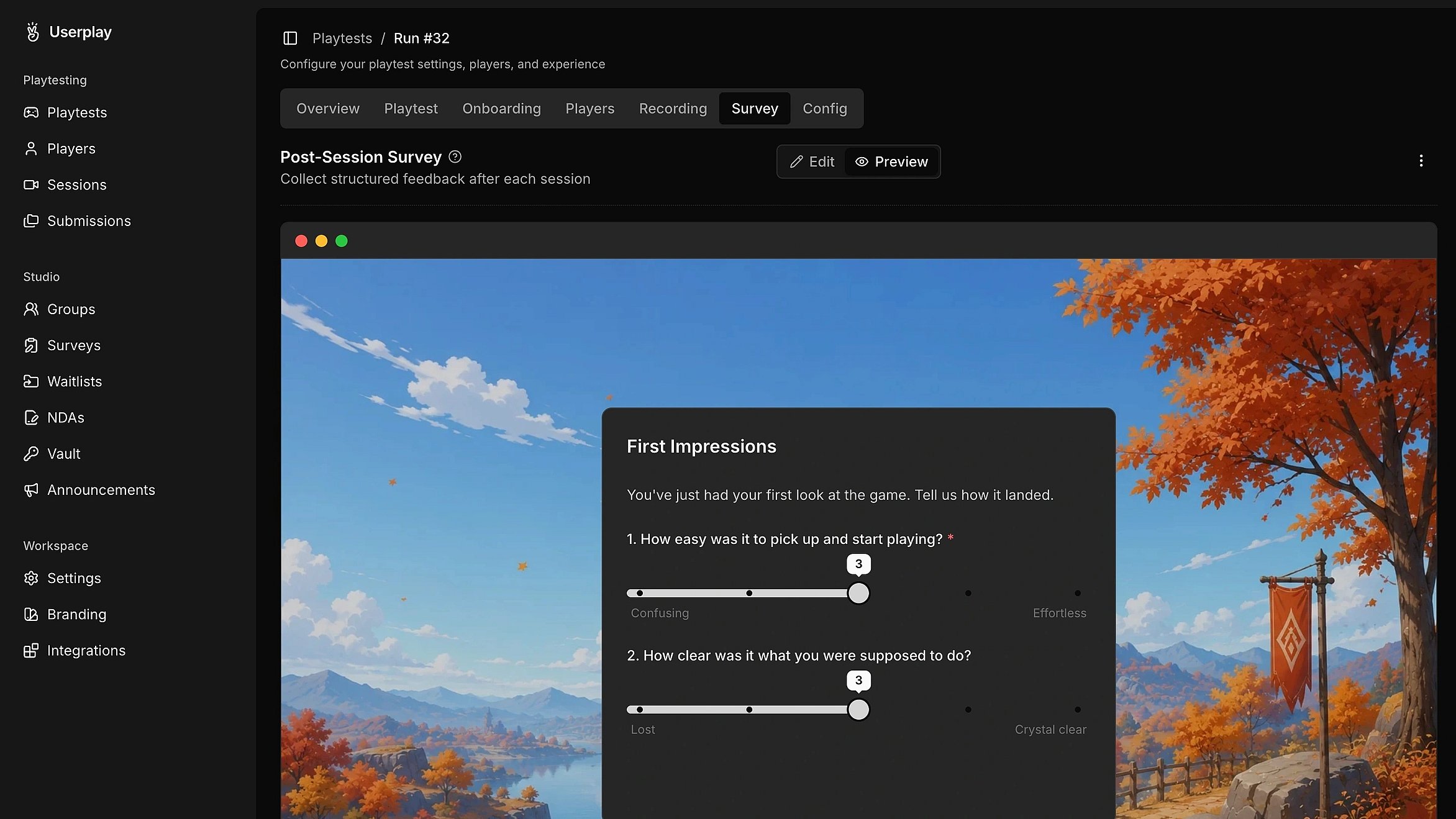
Build surveys that fit your game
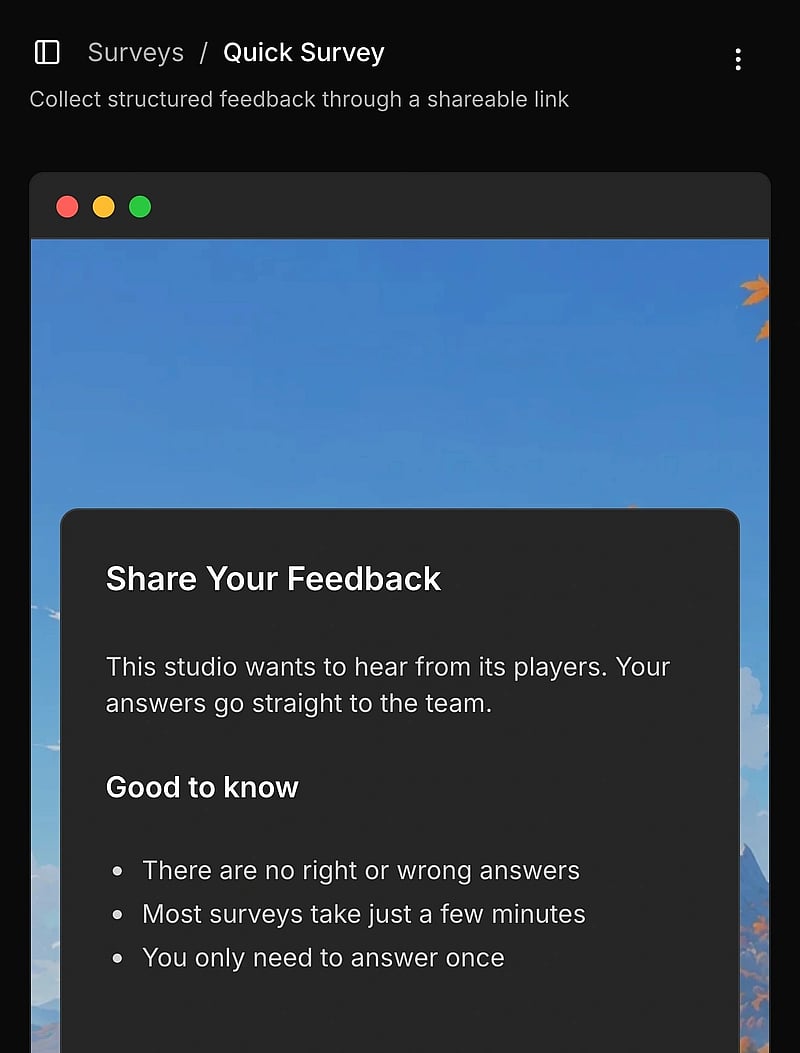
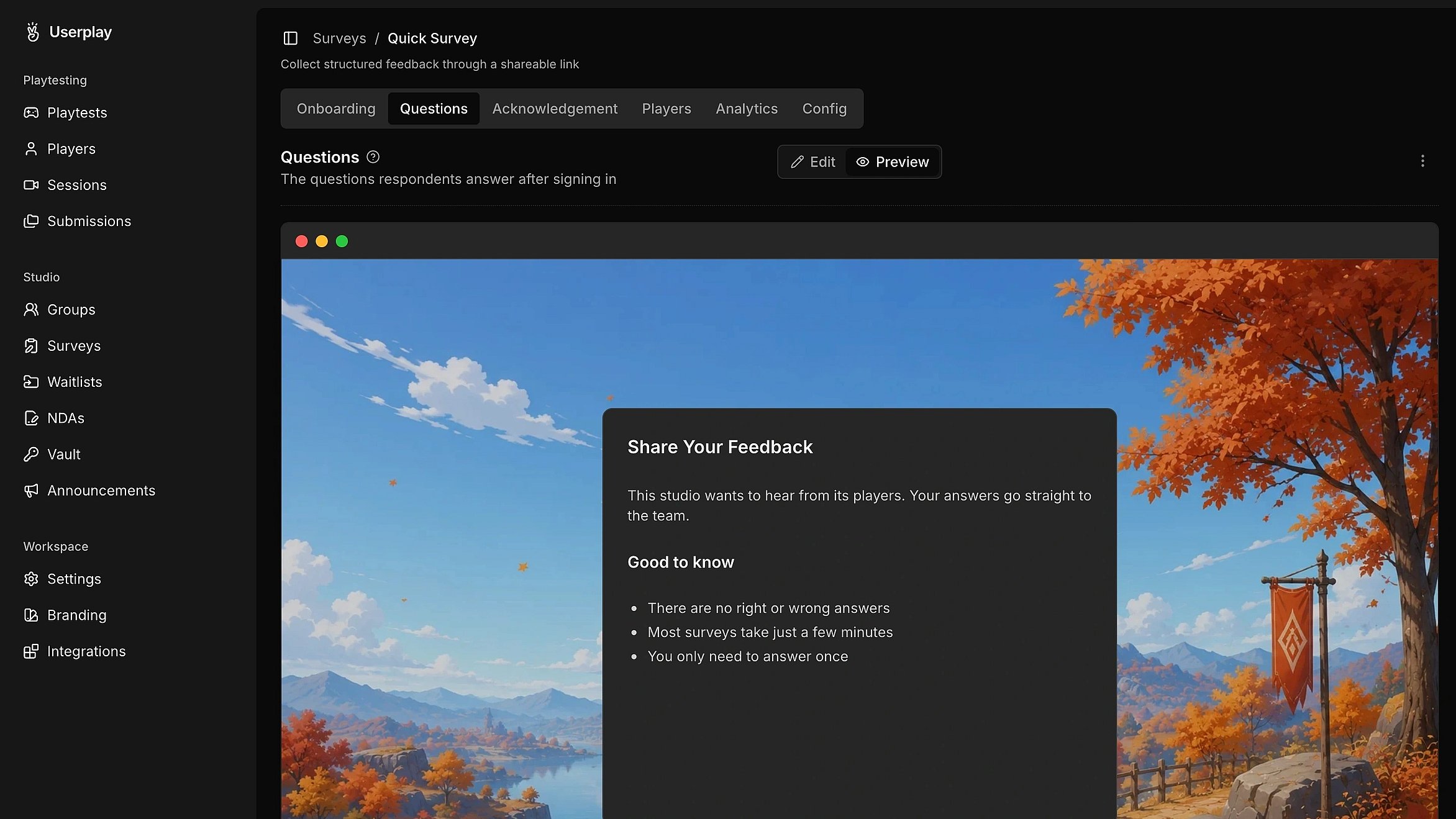
Build surveys your players will recognize. Customize the look, feel, and questions to match your game.
Analyze player responses
Analyze survey results your way. Review community-wide trends, investigate individual responses, or export for deeper analysis.
// FAQ