// PLAYTESTING
Run playtests from start to finish
Invite players, distribute keys, capture gameplay, and review player feedback.
 Invite players, distribute keys, capture gameplay, and review player feedback.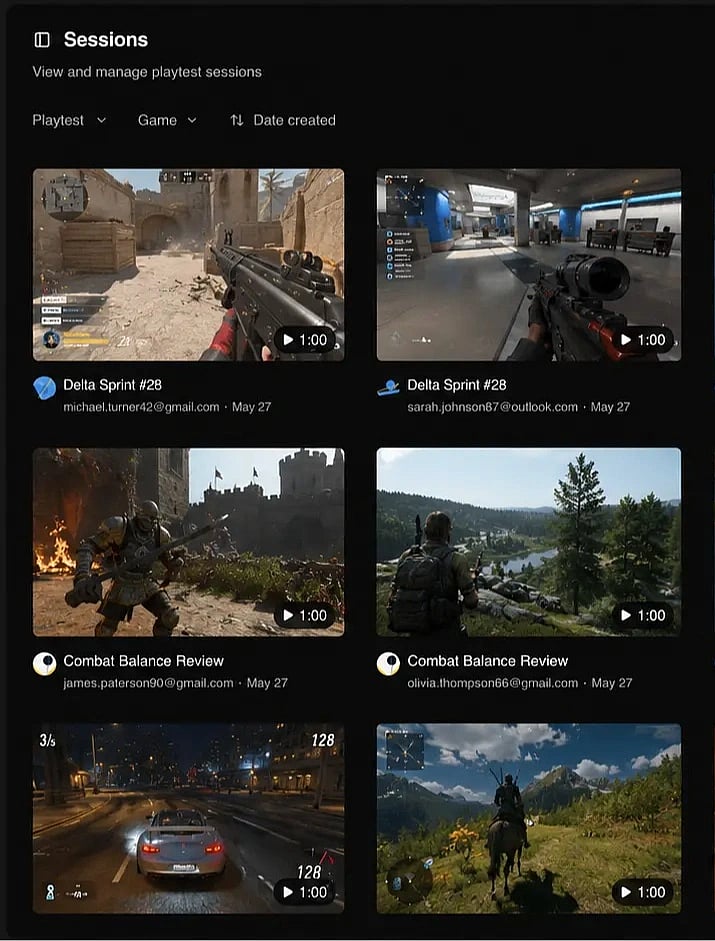
Works with
 GameMaker
  Defold
  Godot
Godot  Unity
Unity  Unreal Engine
  Steam
Steam  Epic Games
  GOG
GOG  itch.io
  Chrome
  Windows
  macOS
macOS  Linux
Linux  Web GameMaker Defold Godot Unity Unreal Engine Steam Epic Games GOG itch.io Chrome Windows macOS Linux Web
Design playtests exactly as you want
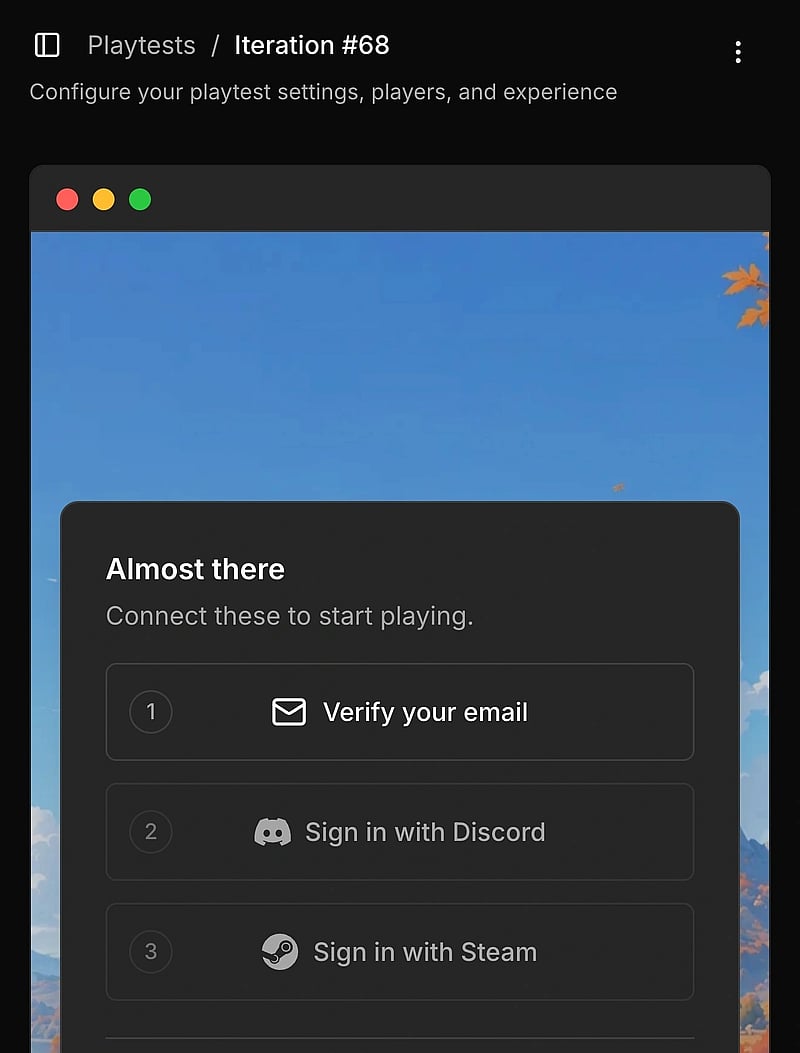
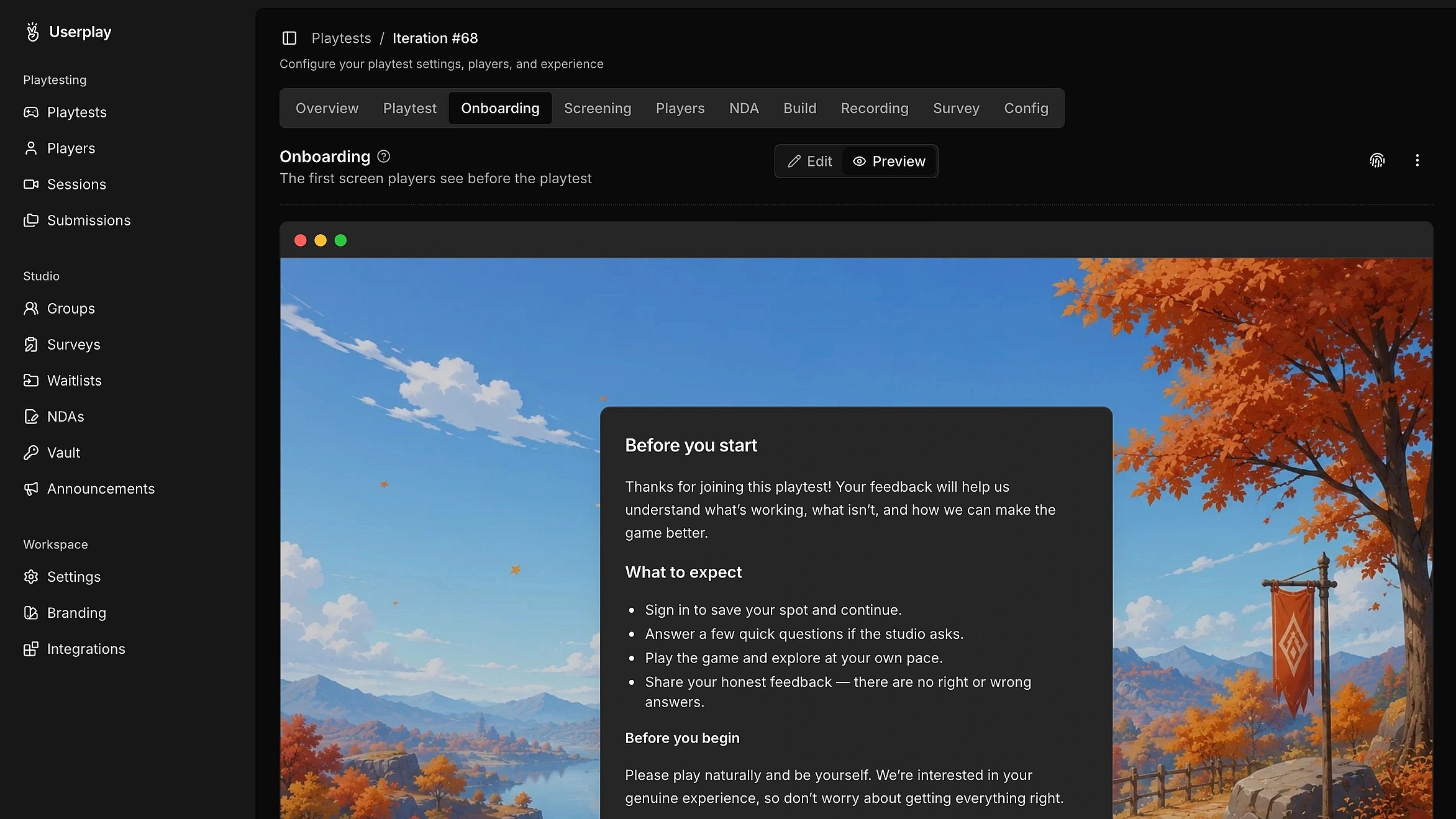
Run single-session, multi-session, or longitudinal playtests. Configure playtest access, player onboarding, key distribution, gameplay recording, and follow-up surveys for every playtest.

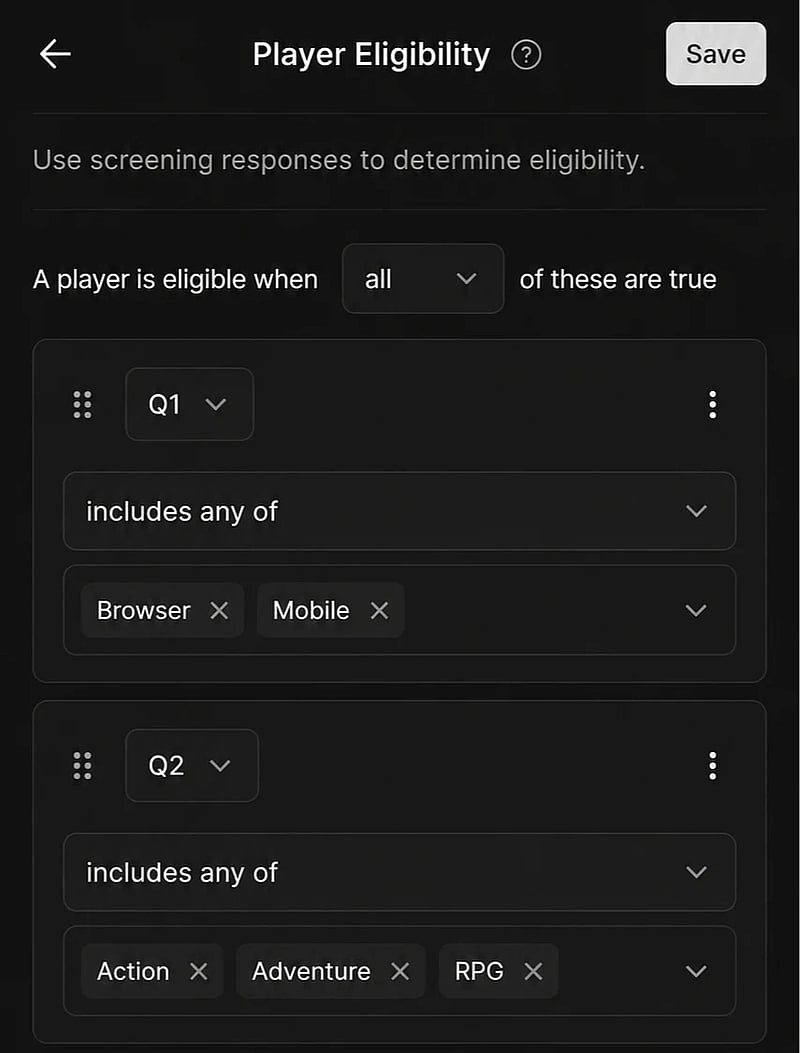
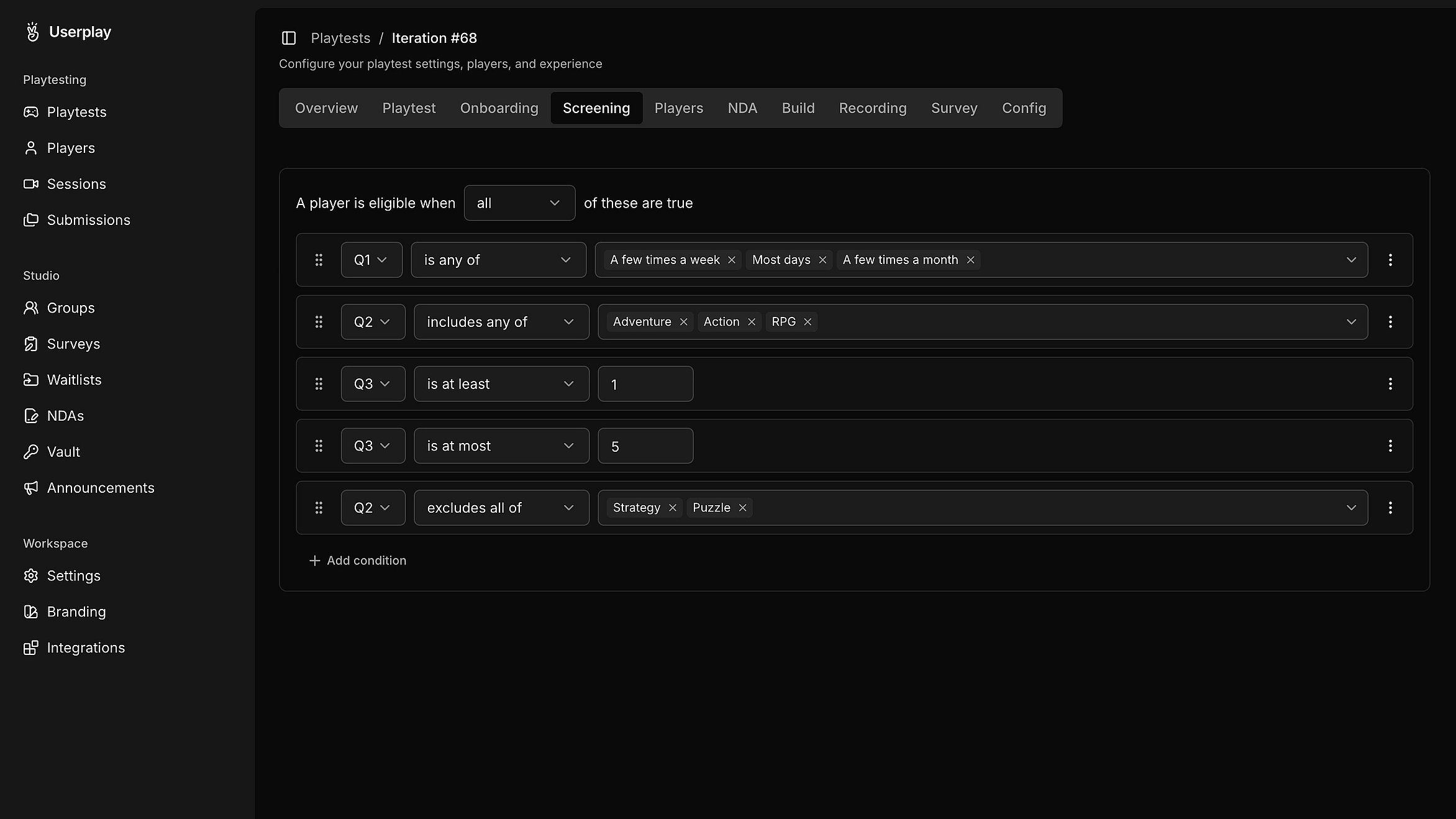
Find the right players for every playtest
Run playtests with the right audience. Create custom screening questions, define eligibility rules, and approve players before they join.
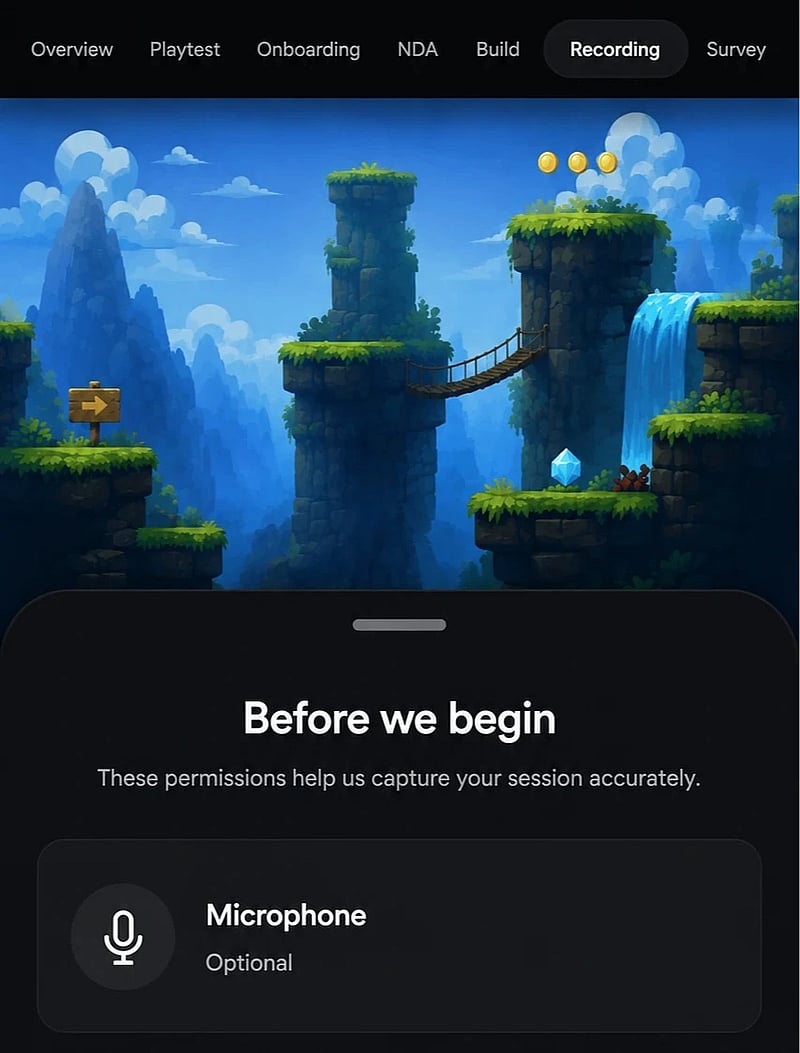
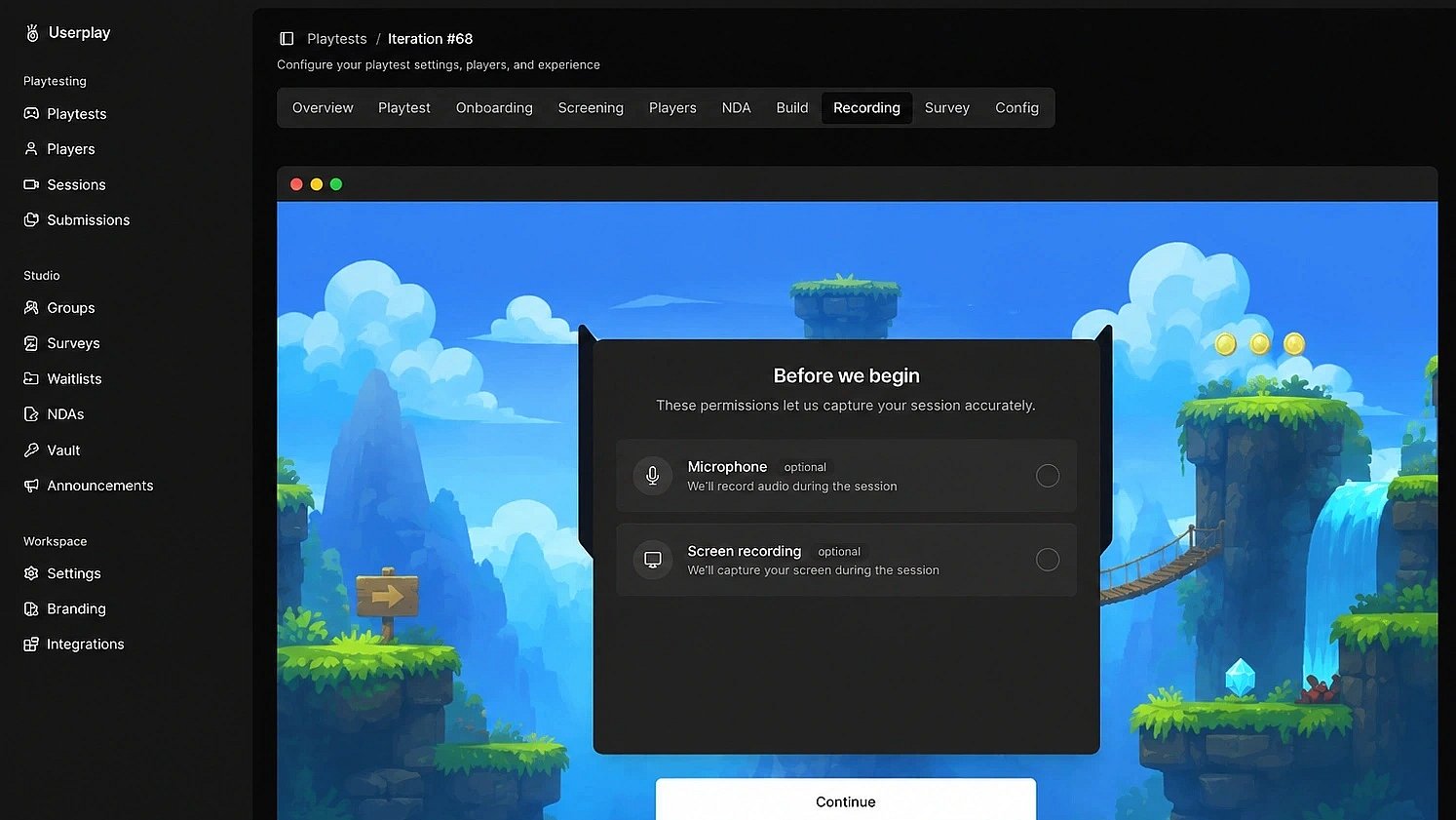
Record gameplay alongside player feedback
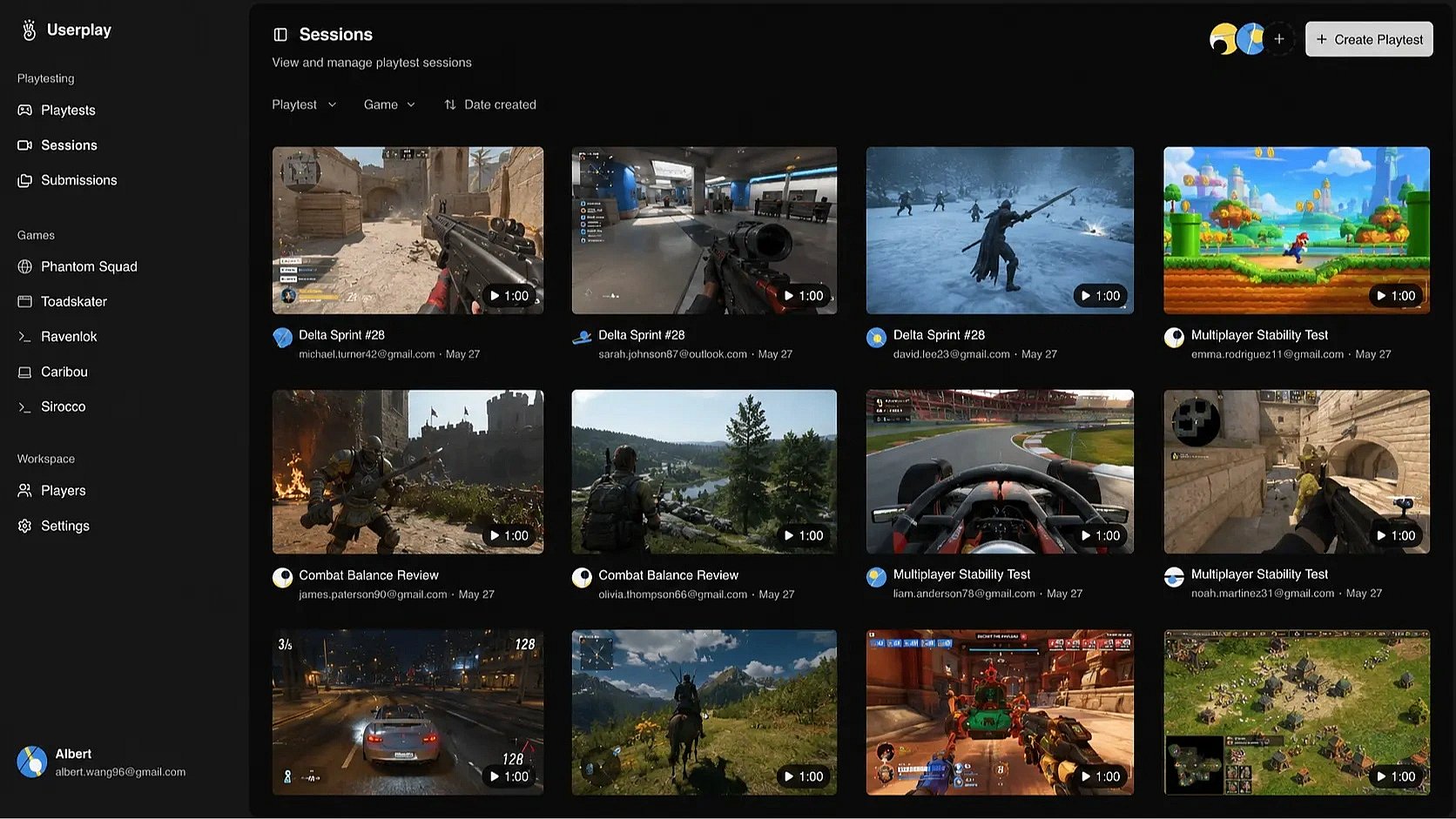
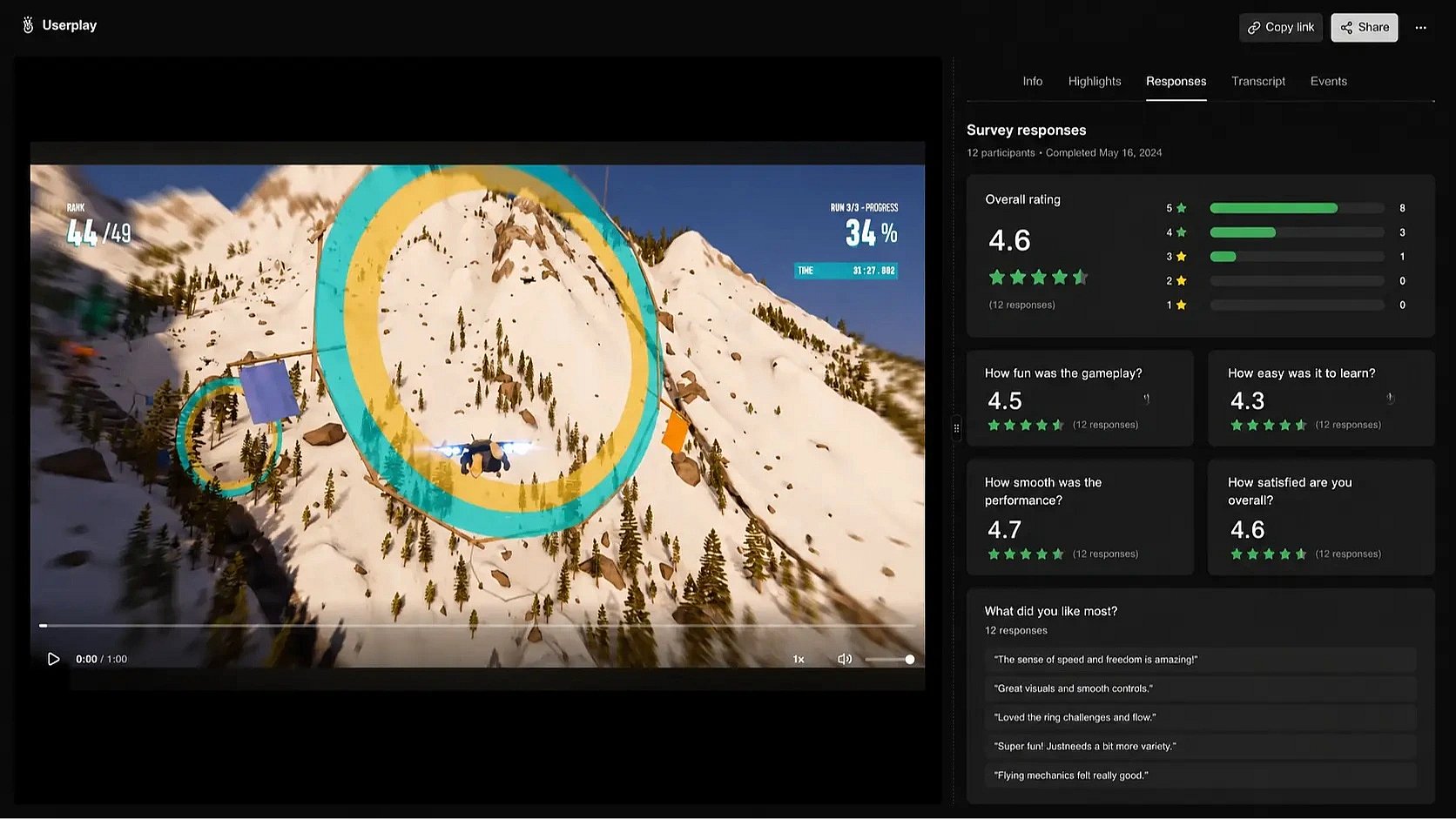
Make it effortless for players to share feedback. Every session includes gameplay, player feedback, and key moments. No code changes, plugins, or downloads required.
Review every session with full context
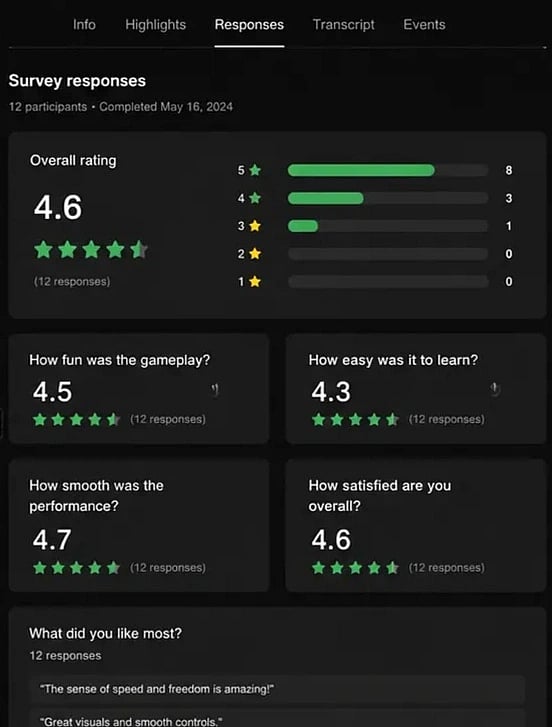
Follow every playtest from start to finish. Step through gameplay, player feedback, key moments, and transcripts in a single view.
// FAQ