
// FOR STEAM
TestFlight for Steam Playtests
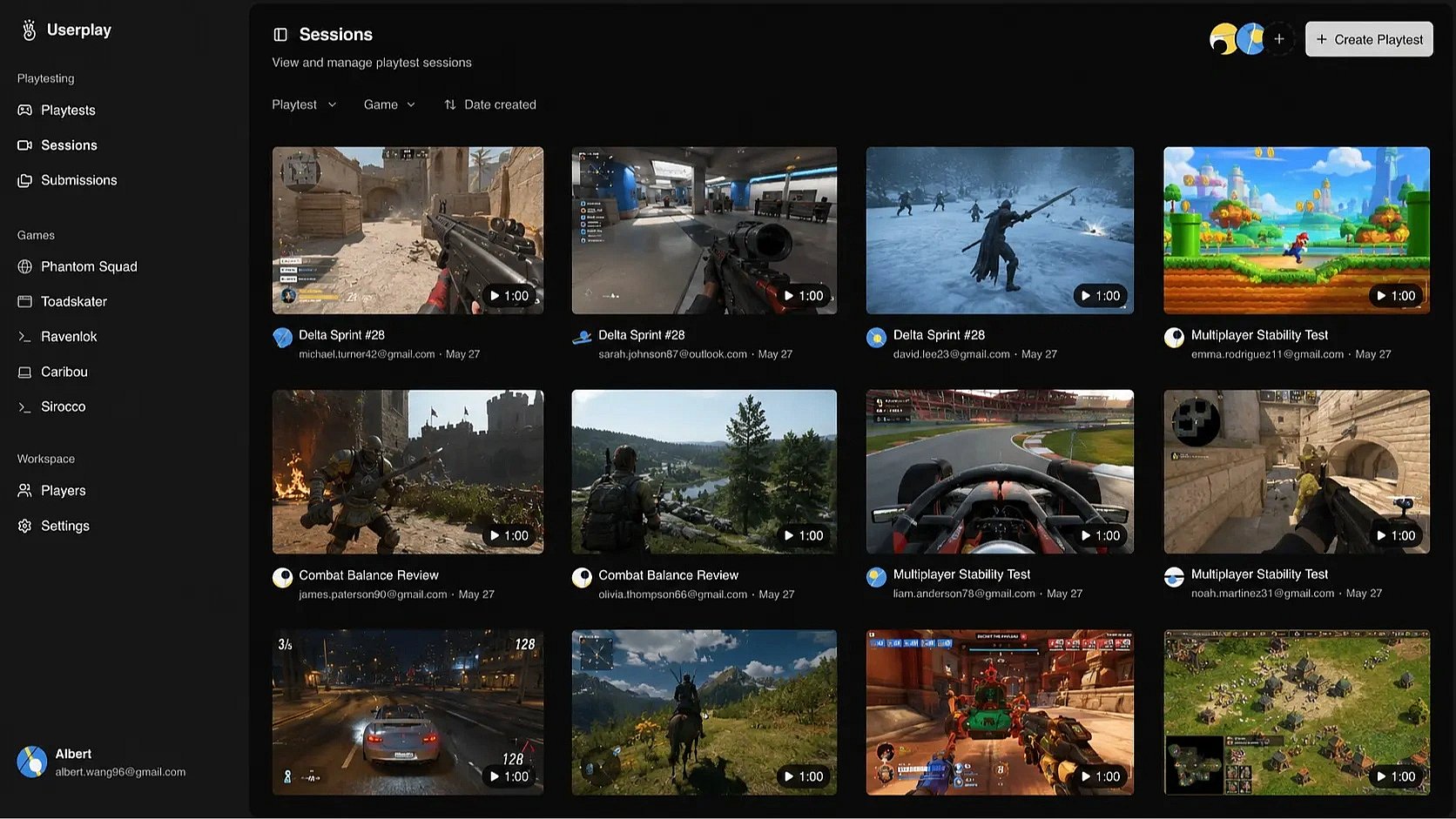
Run playtests with your Steam builds. Record gameplay, collect feedback, and track player engagement.
 Run playtests with your Steam builds. Record gameplay, collect feedback, and track player engagement.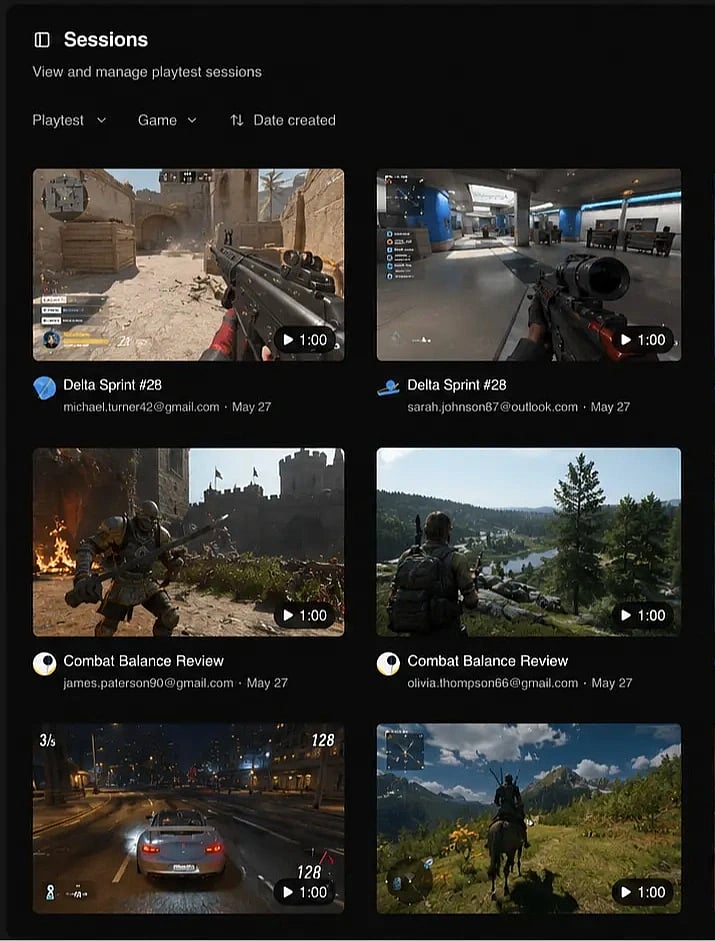
Built with
 Unity
Unity  Unreal Engine
  Godot
Godot  GameMaker
  Defold
  Windows
  macOS
macOS  Linux Unity Unreal Engine Godot GameMaker Defold Windows macOS Linux
Invite players to your playtest
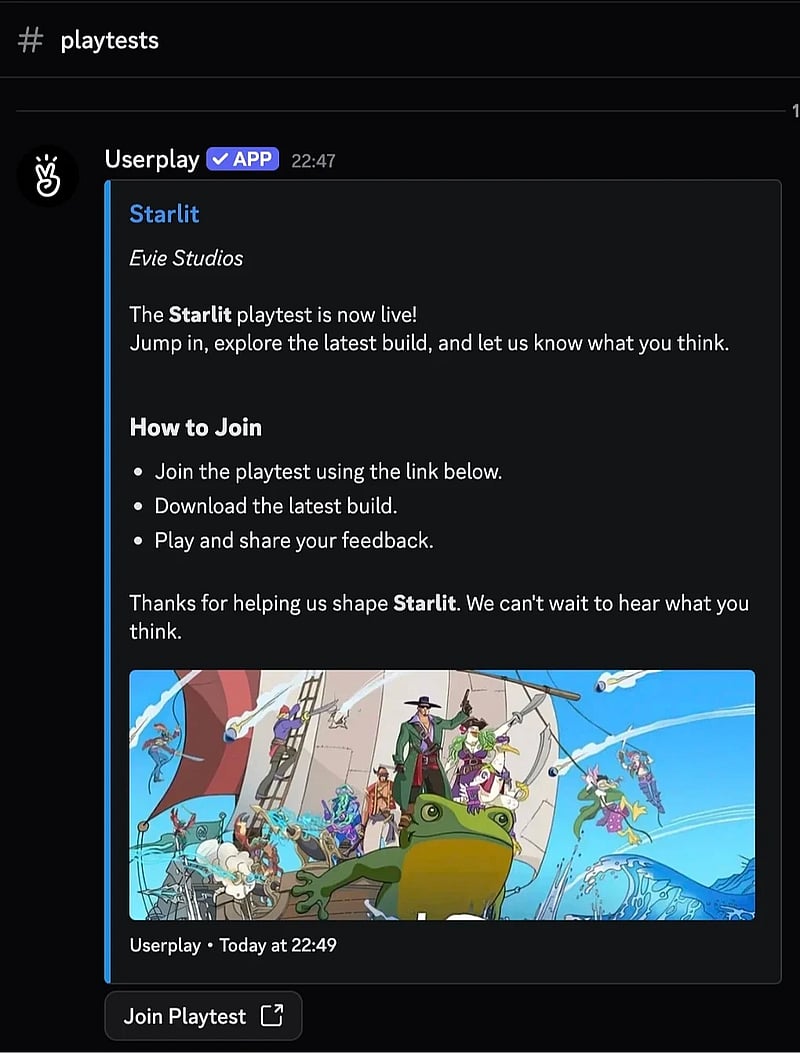
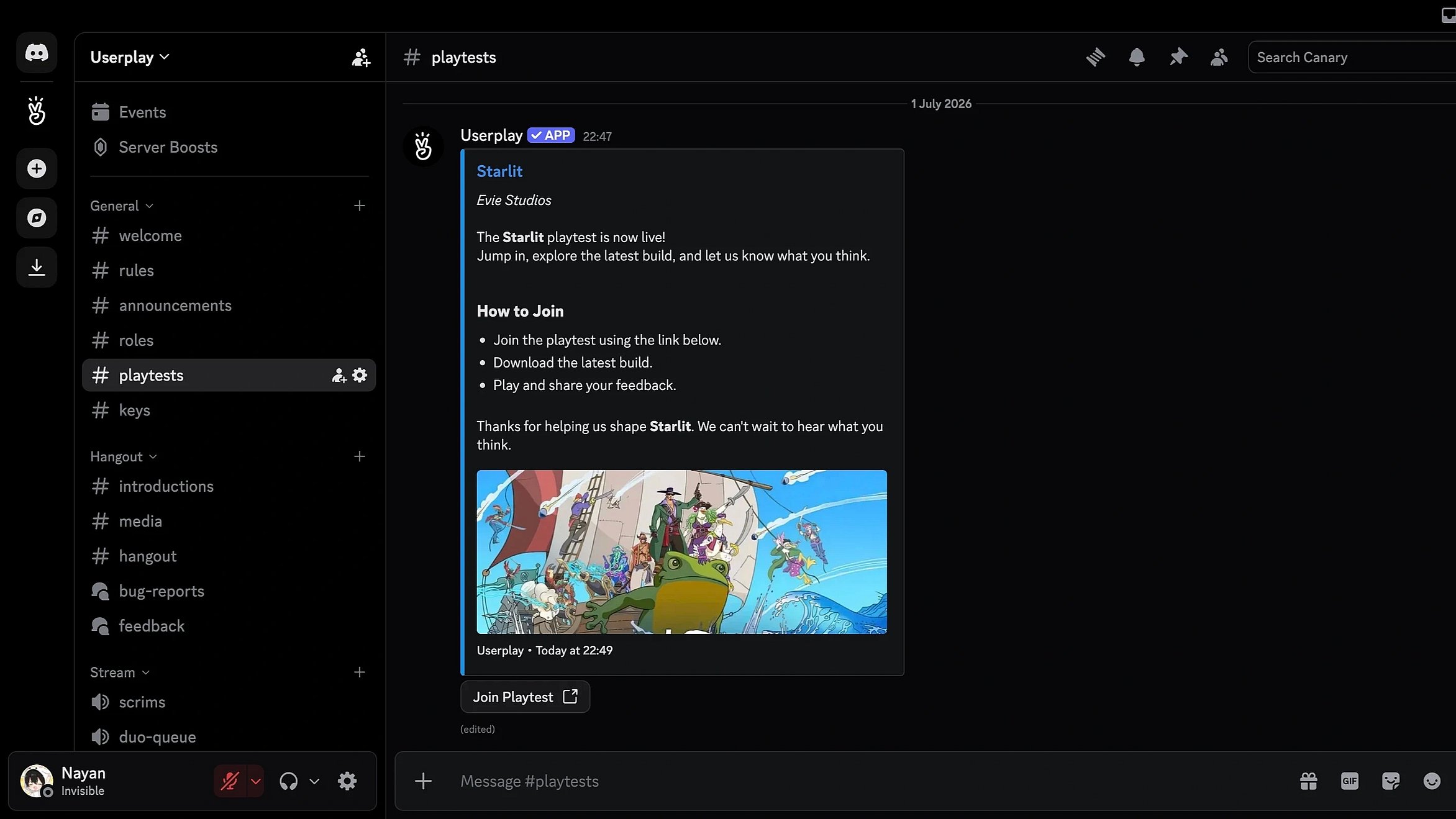
Bring your community into every playtest. Invite players, manage access, track participation, and run organized playtests.

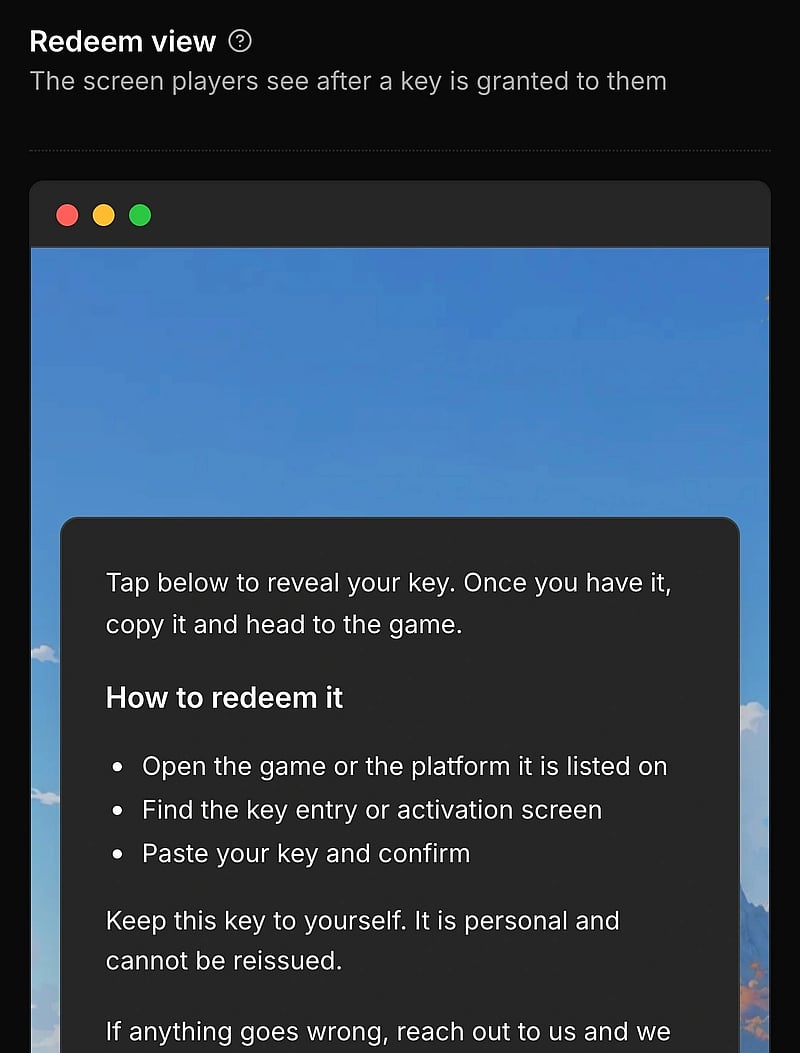
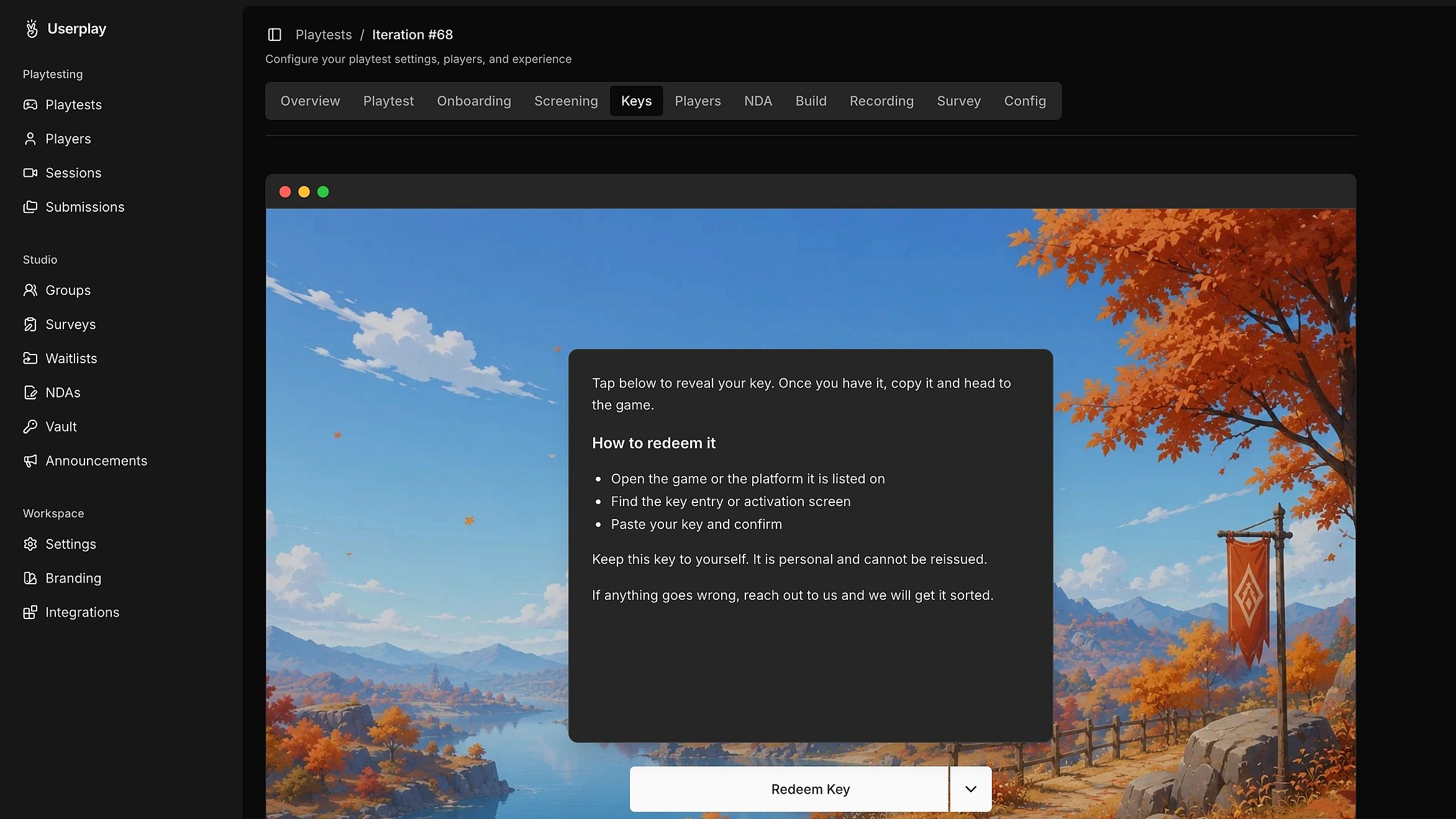
Distribute steam keys
Make it easy for players to get access to your game. Grant access to the right players with custom eligibility rules.
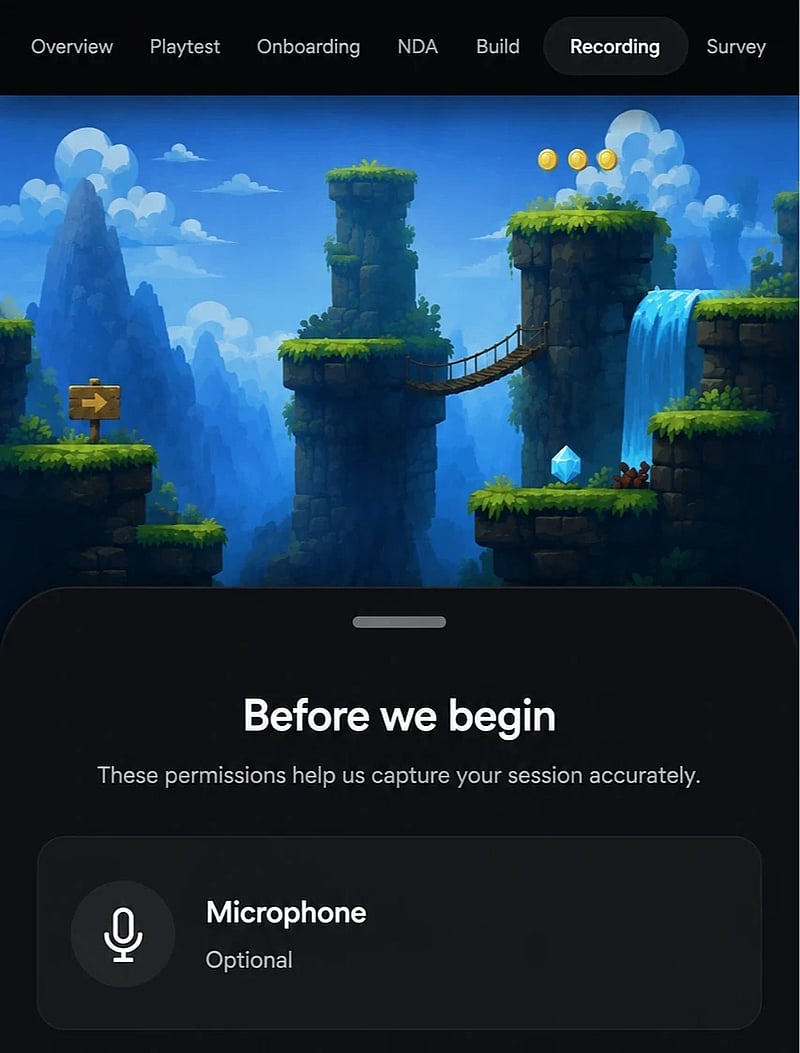
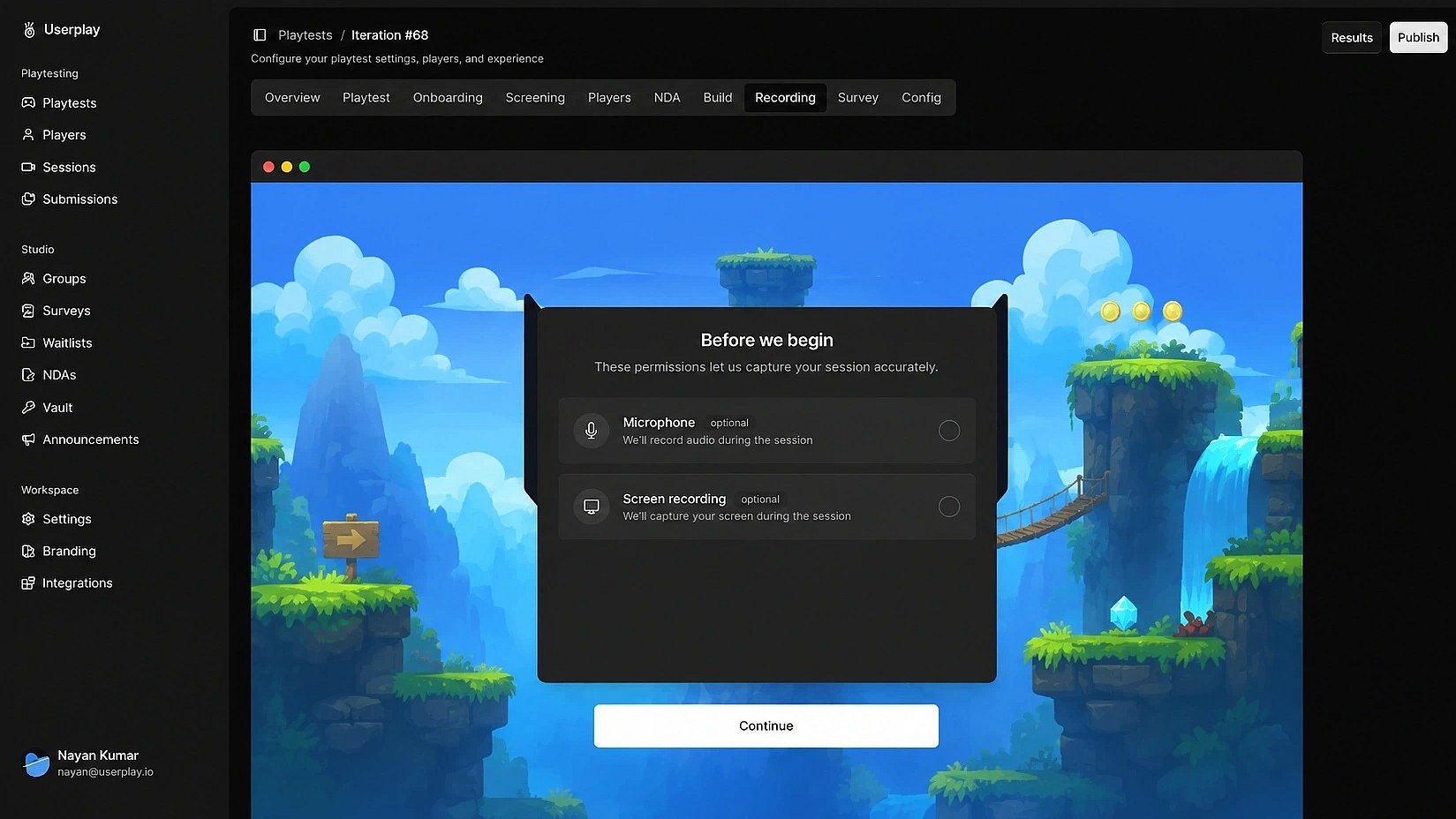
Record gameplay sessions
Capture key moments from every playtest. Record full gameplay sessions without asking players to install anything.
Collect player feedback
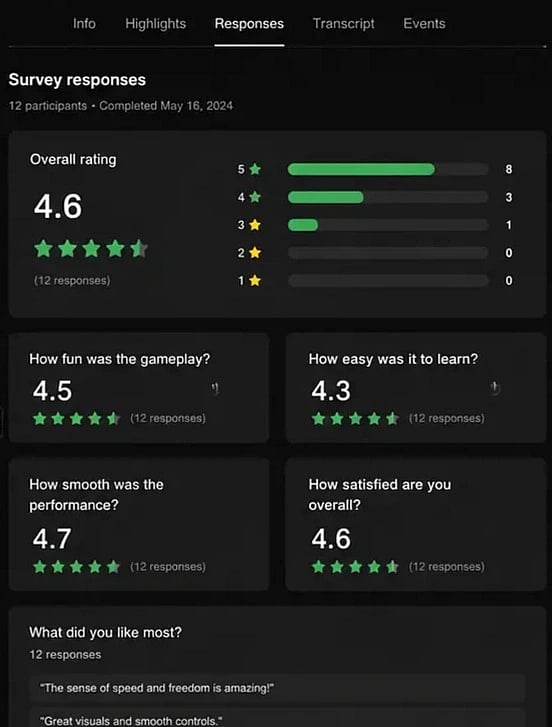
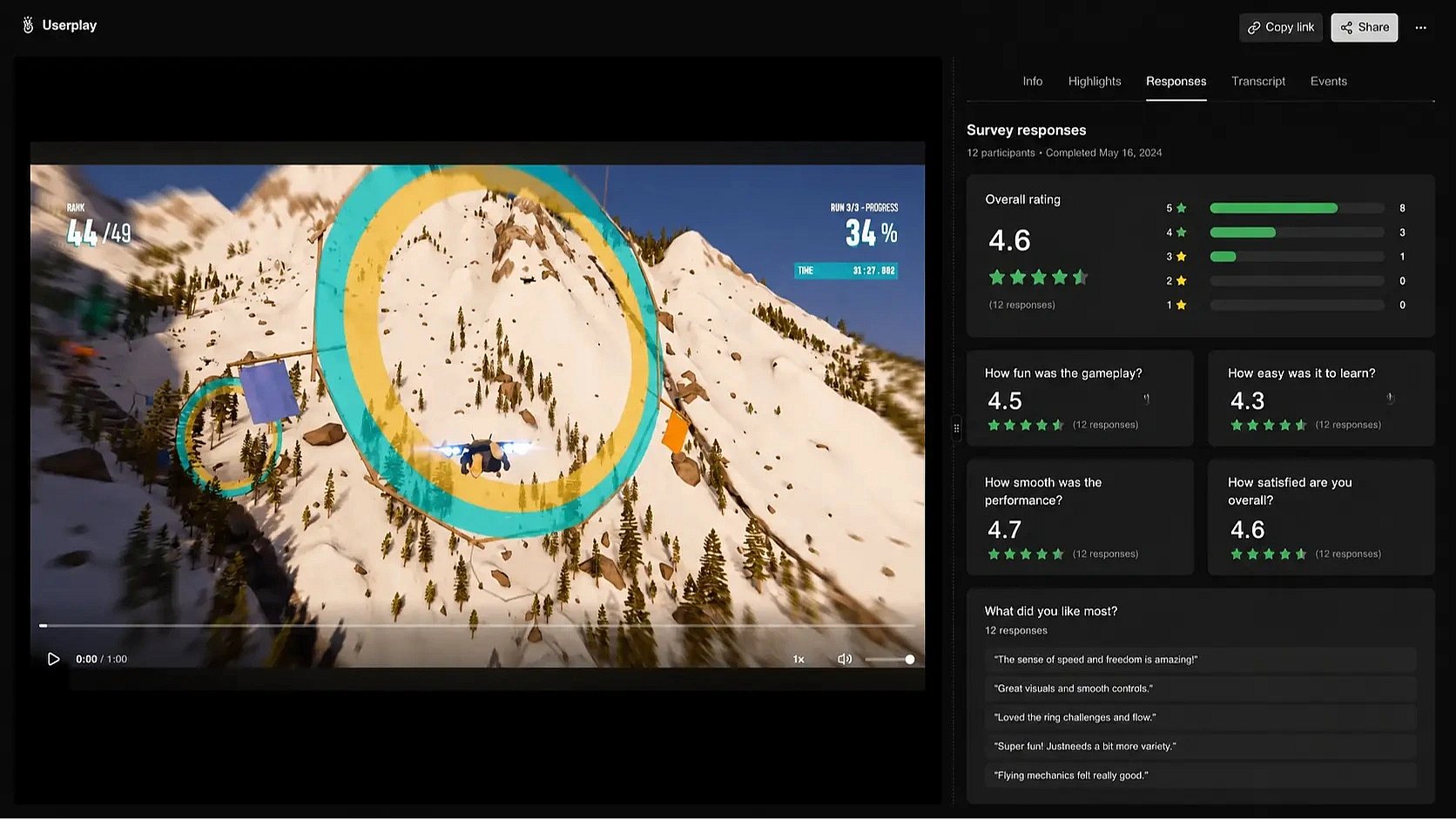
Make it easy for players to share feedback before, during, and after every playtest. Combine survey responses, gameplay sessions, and voice transcripts to find what's working and what isn't.
Review every playtest
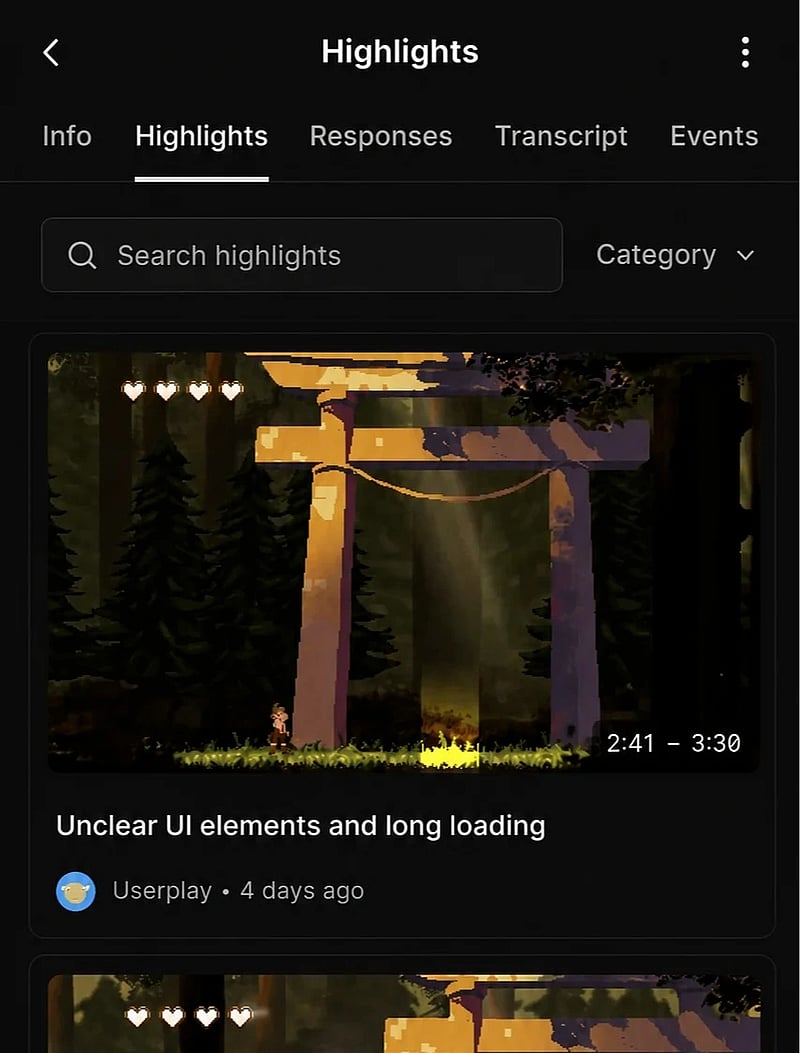
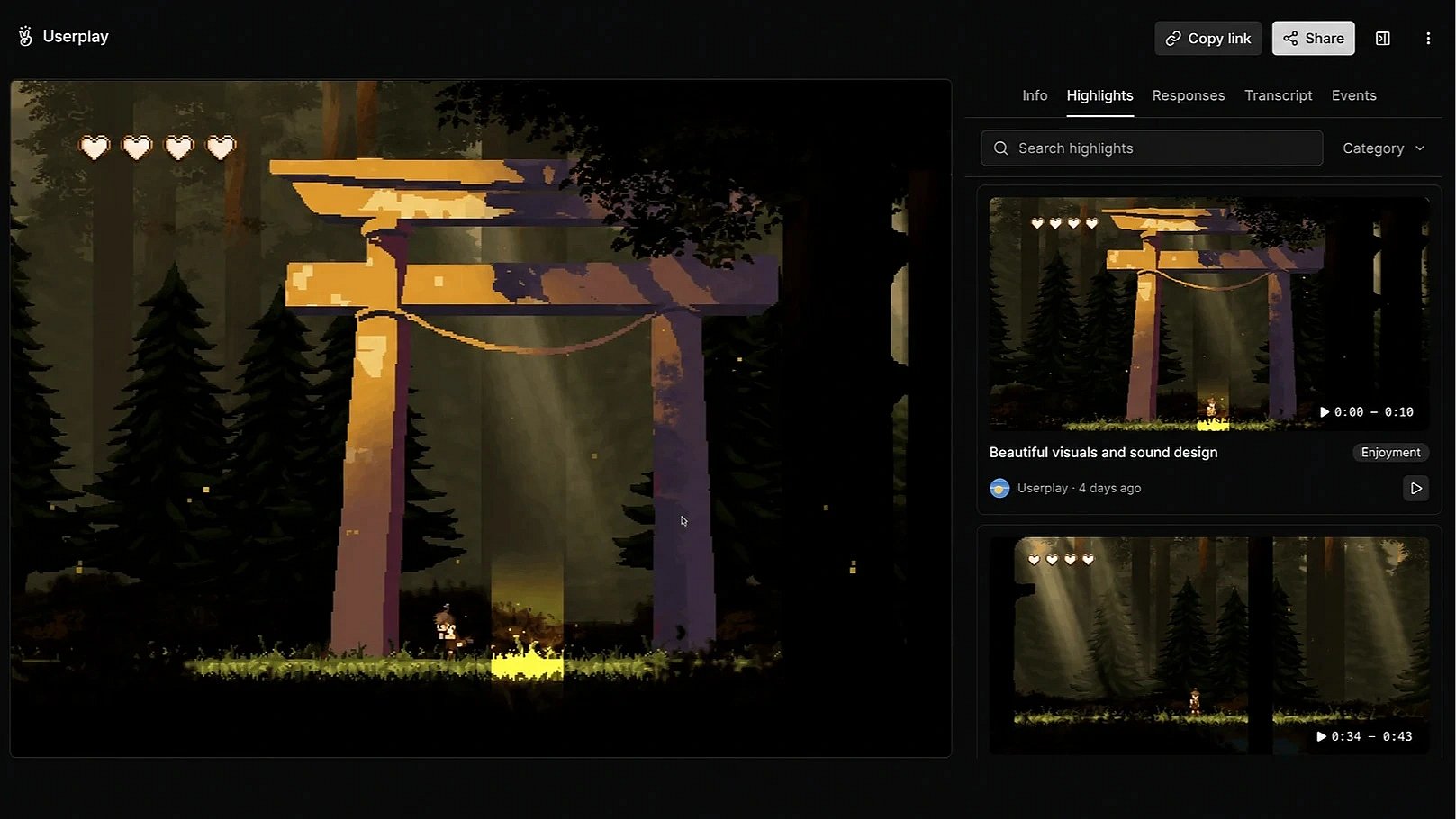
Review hours of gameplay in minutes. Identify key moments, track player engagement, and discover trends across your player base.
// FAQ