
// DISCORD
Build stronger player relationships
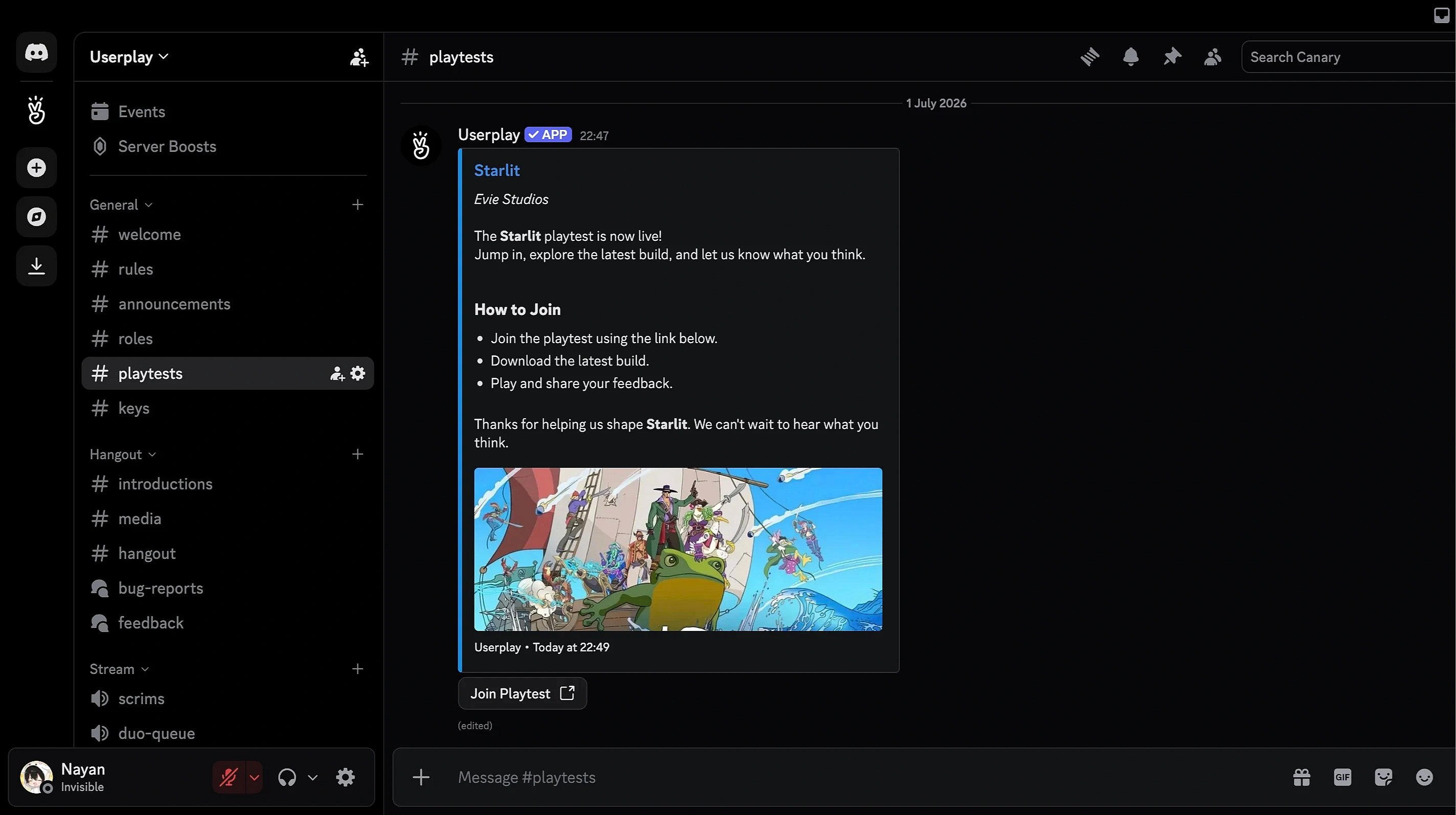
Run playtests with your community. Reach, screen, and engage players through Discord.
 Run playtests with your community. Reach, screen, and engage players through Discord.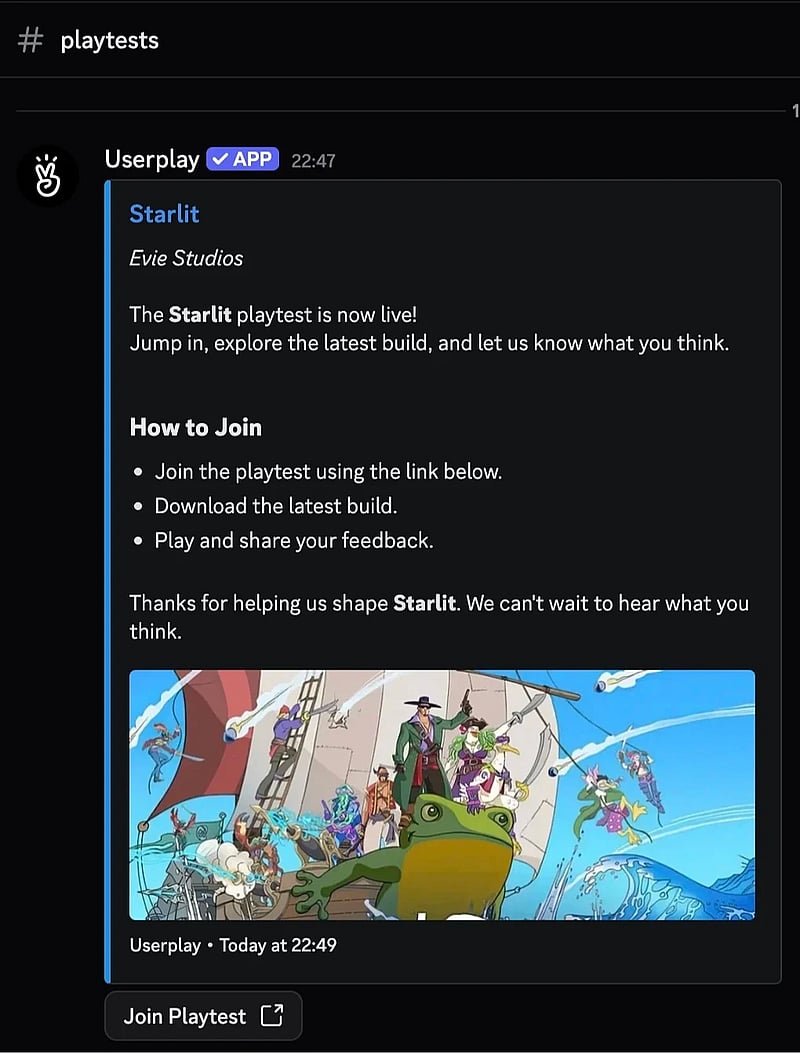
Works with
 GameMaker
  Defold
  Godot
Godot  Unity
Unity  Unreal Engine
  Steam
Steam  Epic Games
  GOG
GOG  itch.io
  Chrome
  Windows
  macOS
macOS  Linux
Linux  Web GameMaker Defold Godot Unity Unreal Engine Steam Epic Games GOG itch.io Chrome Windows macOS Linux Web
Bring your community into your playtests
Bring your next playtest straight to your Discord community. Set up your playtest and reach players where they already are.

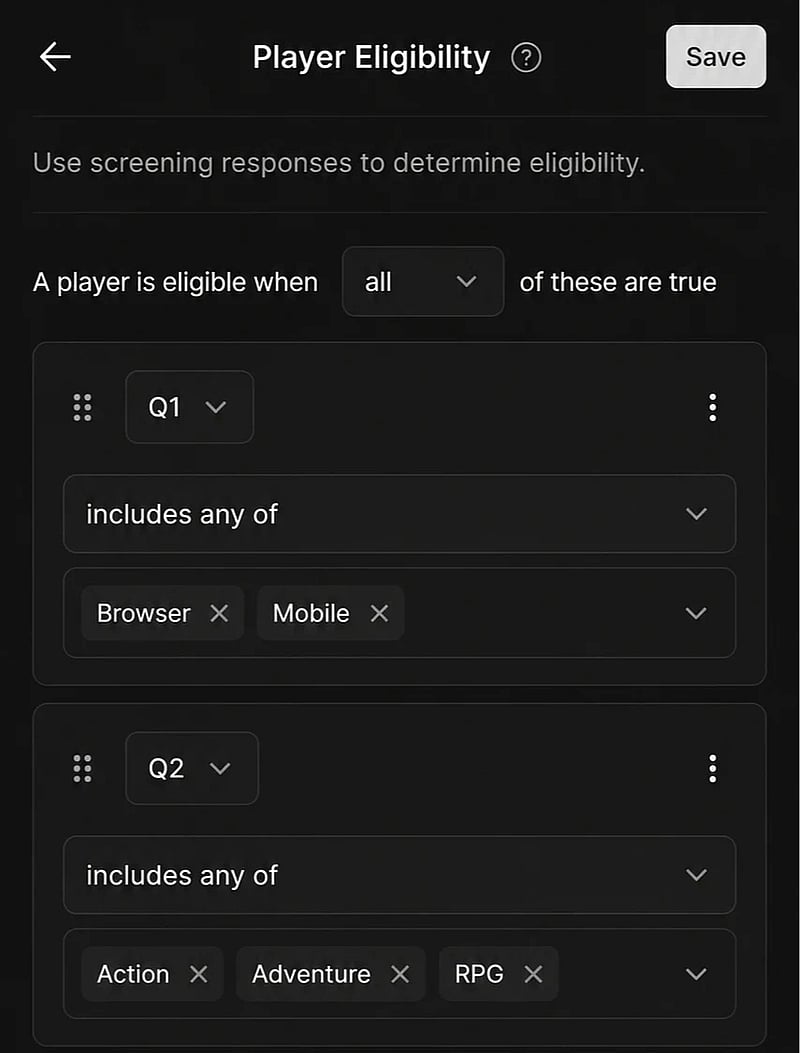
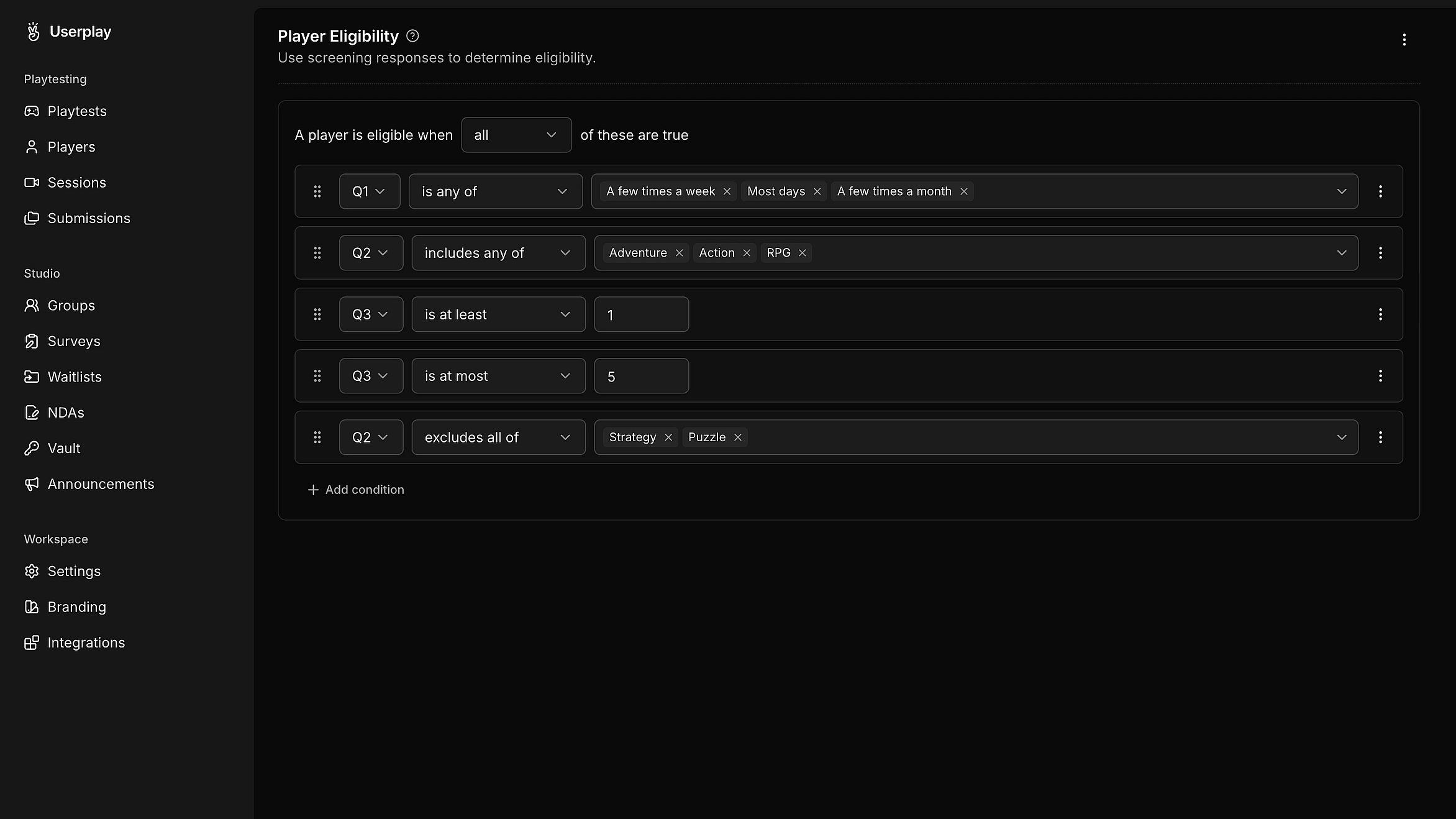
Pick the right players for your playtest
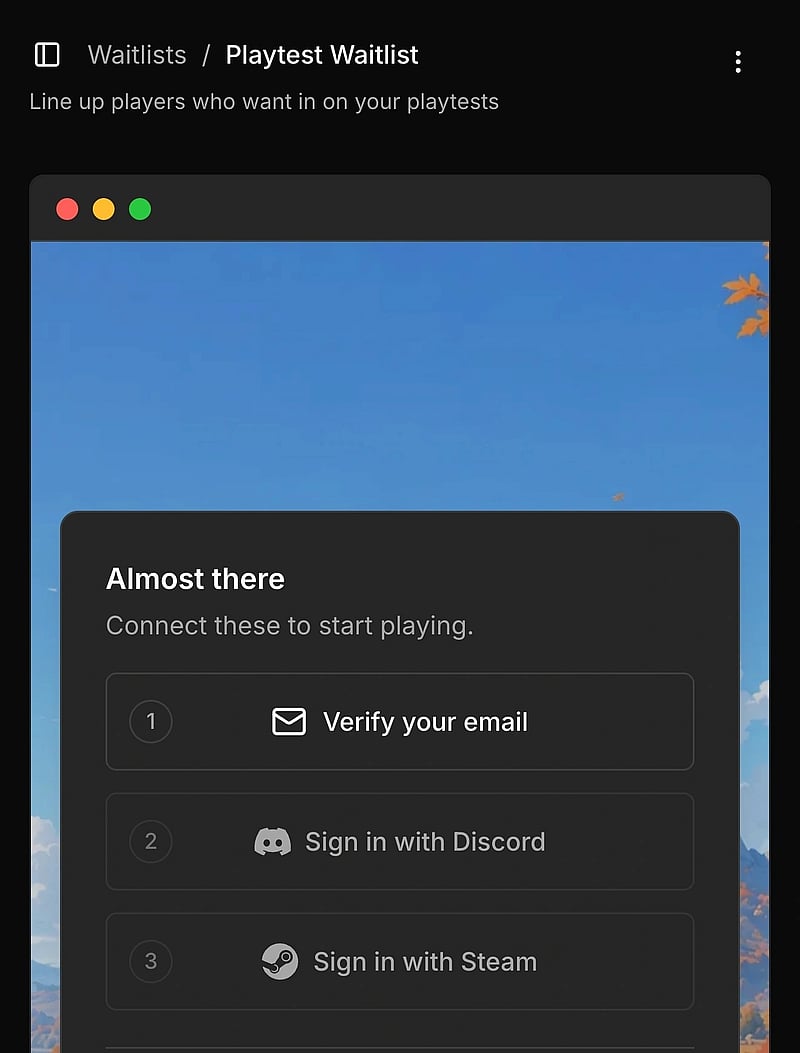
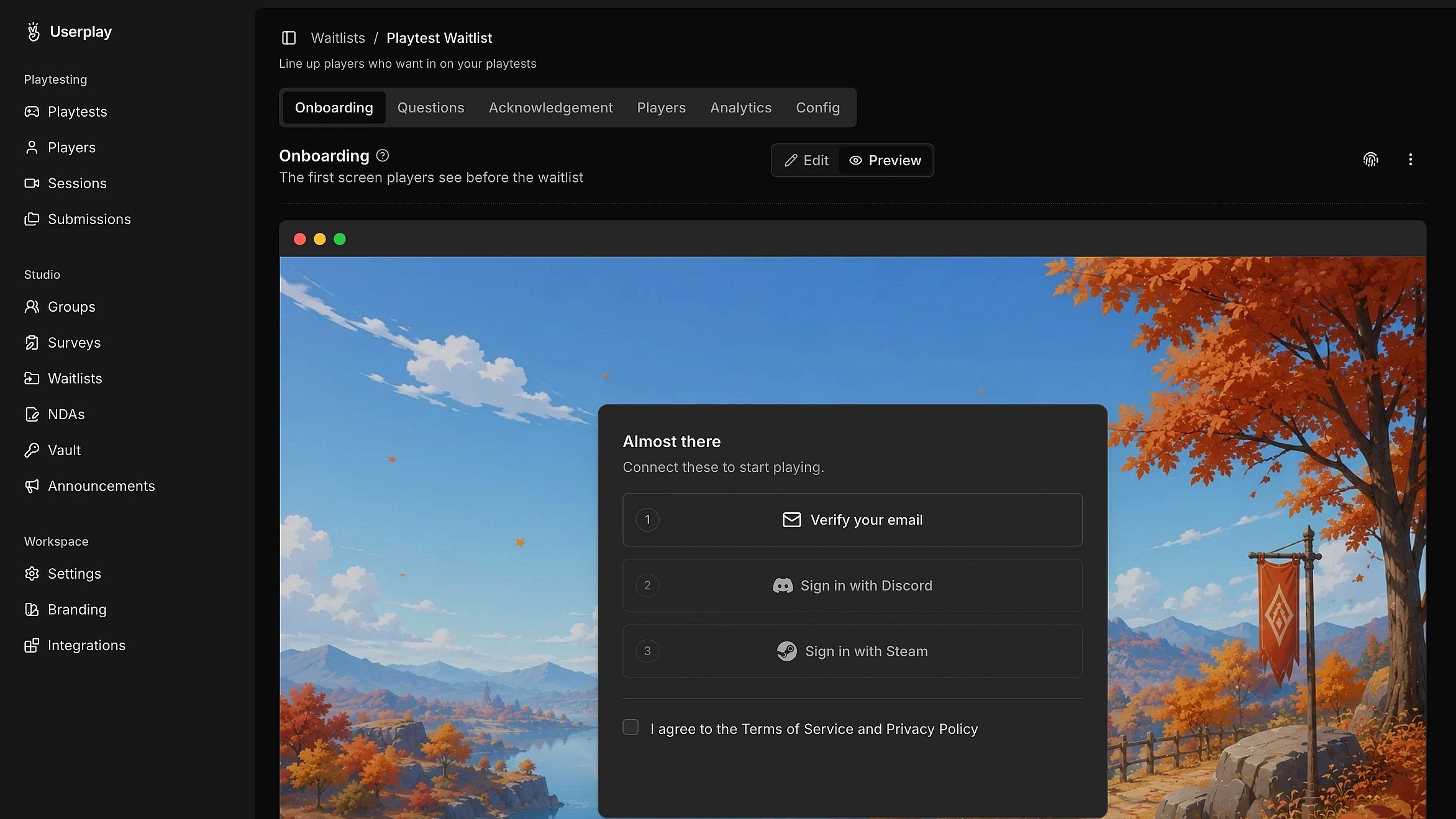
Reach the players who fit your playtest. Use eligibility rules to screen and qualify the players.
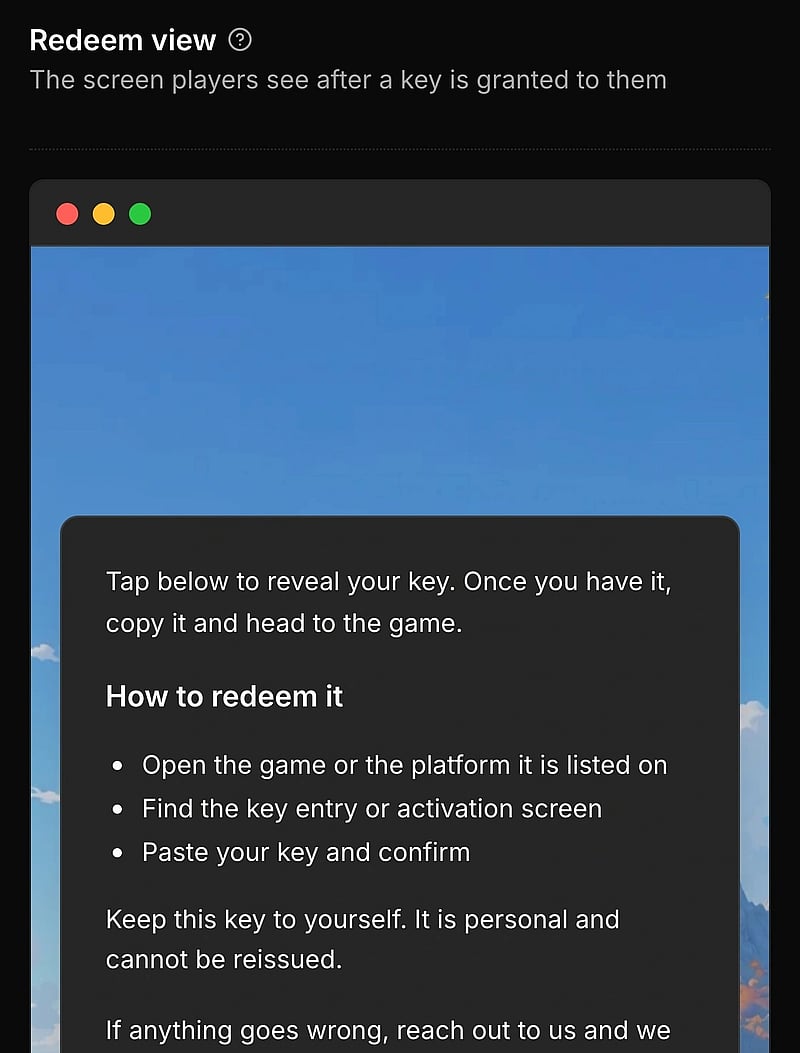
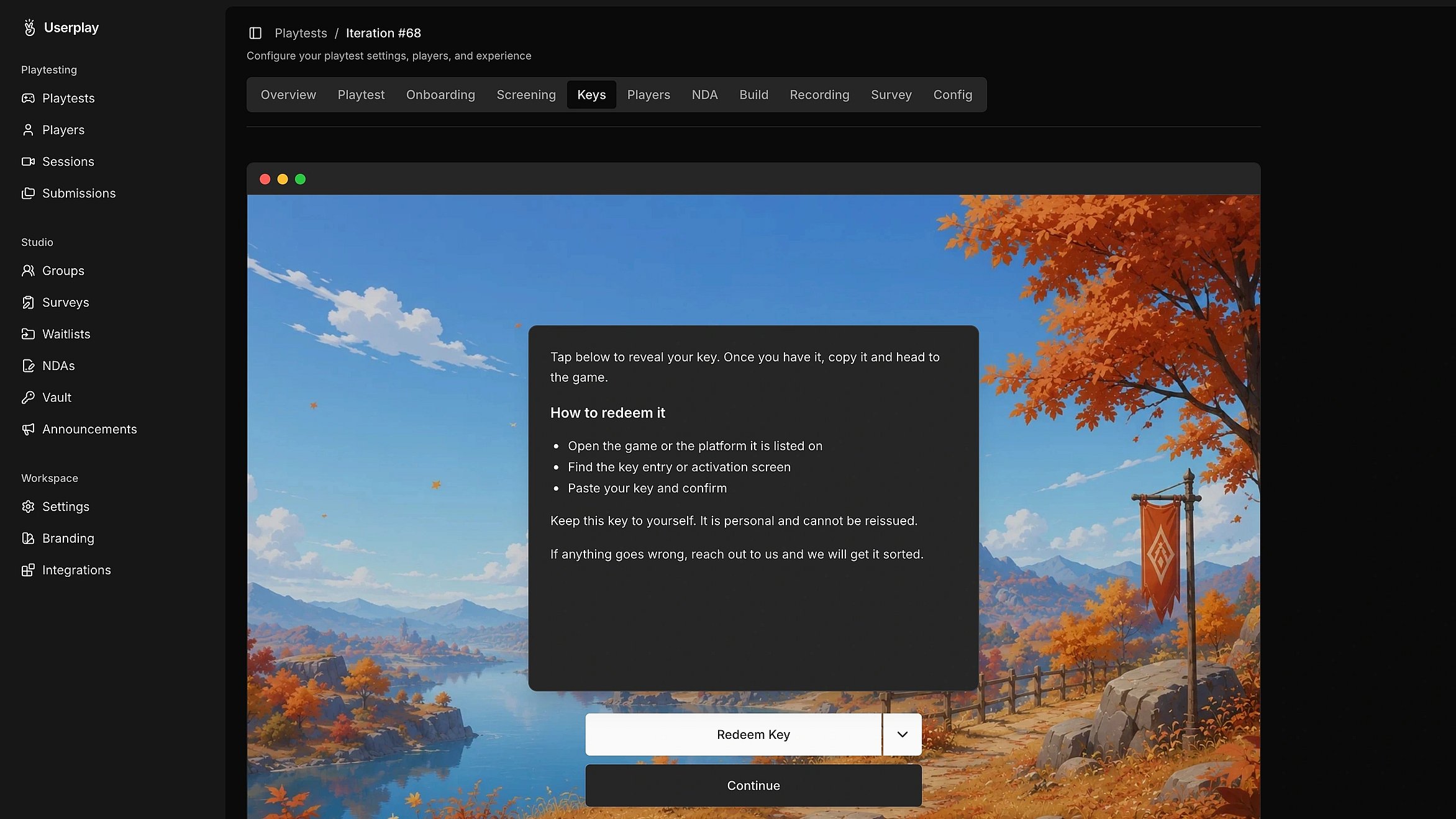
Share keys with your community
Make it easier for players to get in. Distribute keys and manage access from one place.
Engage your Discord community
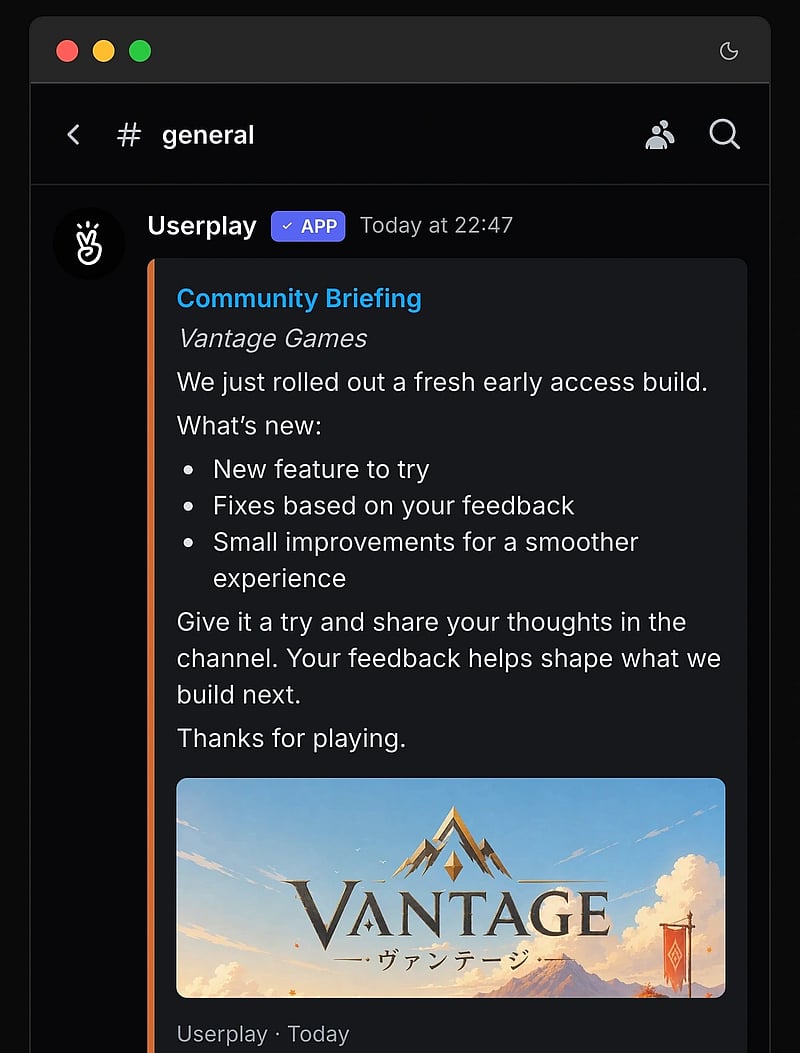
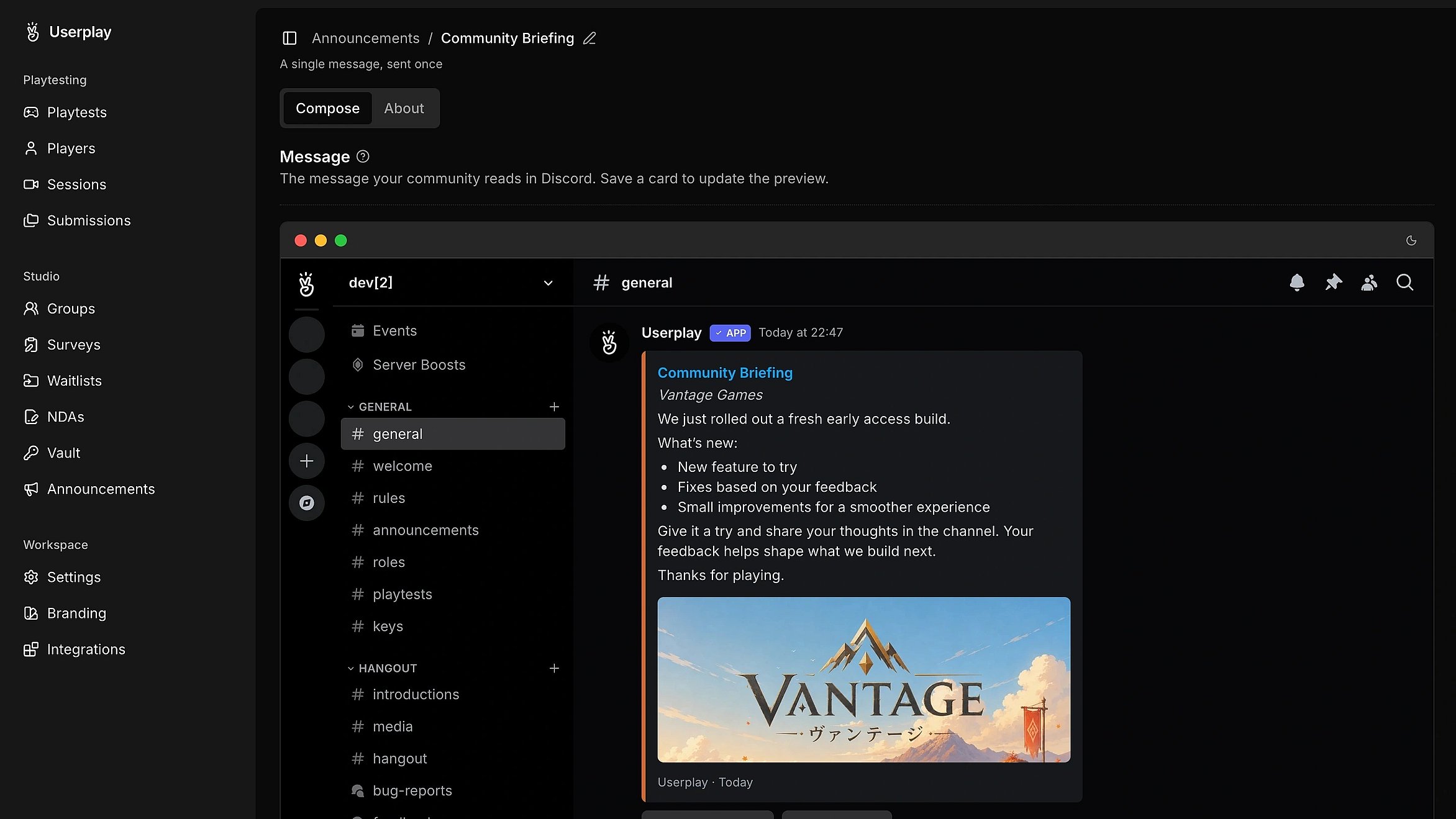
Stay connected with your community. Share announcements, reminders, and updates directly to Discord.
// FAQ