
// FOR ITCH.IO
Playtesting for itch.io games
Turn your itch.io build into a structured playtest with gameplay, feedback, and issues captured in one place.
 Turn your itch.io build into a structured playtest with gameplay, feedback, and issues captured in one place.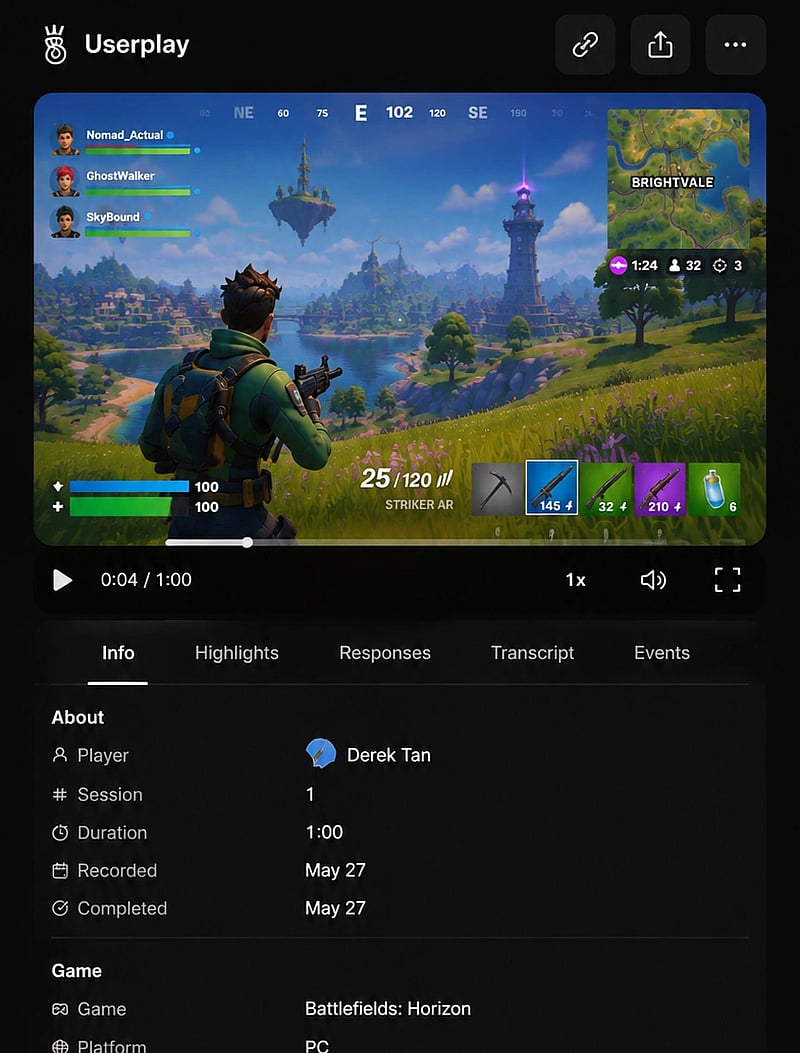
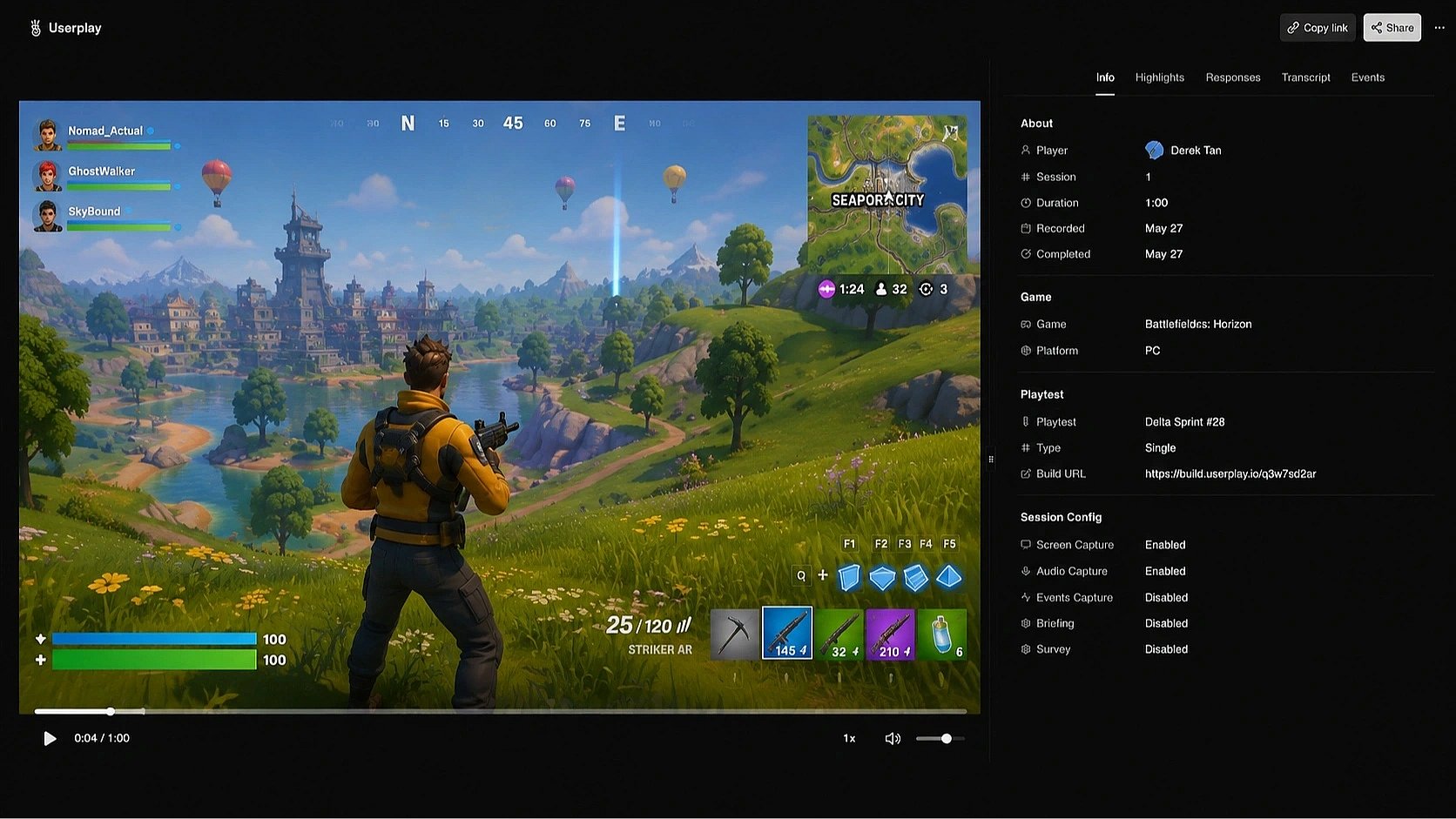
Built with
 Unity
Unity  Unreal Engine
  Godot
Godot  GameMaker
  Defold
  Windows
  macOS
macOS  Linux Unity Unreal Engine Godot GameMaker Defold Windows macOS Linux
Launch playtests for your games
Everything you need to get a playtest off the ground. Screen players, manage access, and keep everything organized.
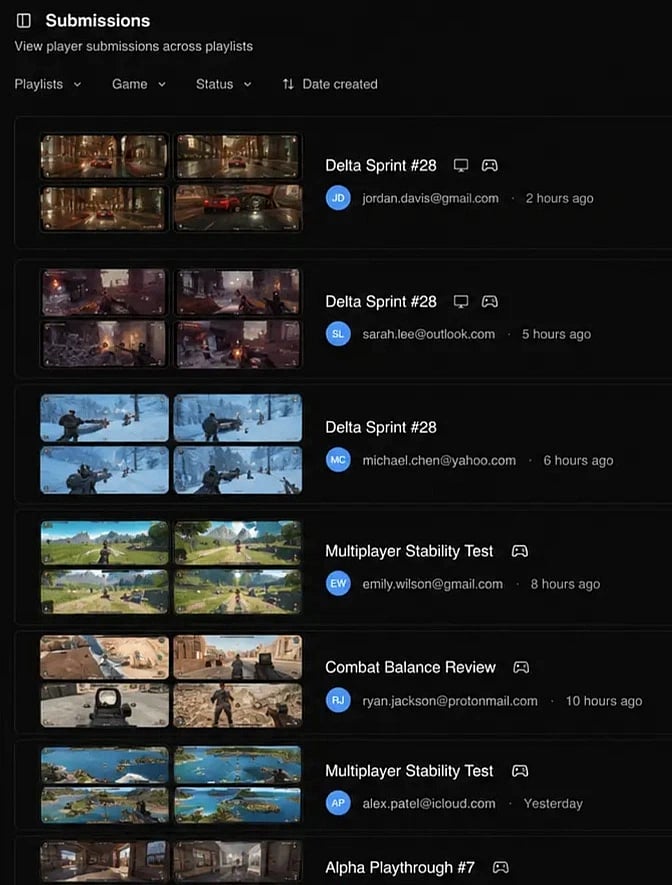
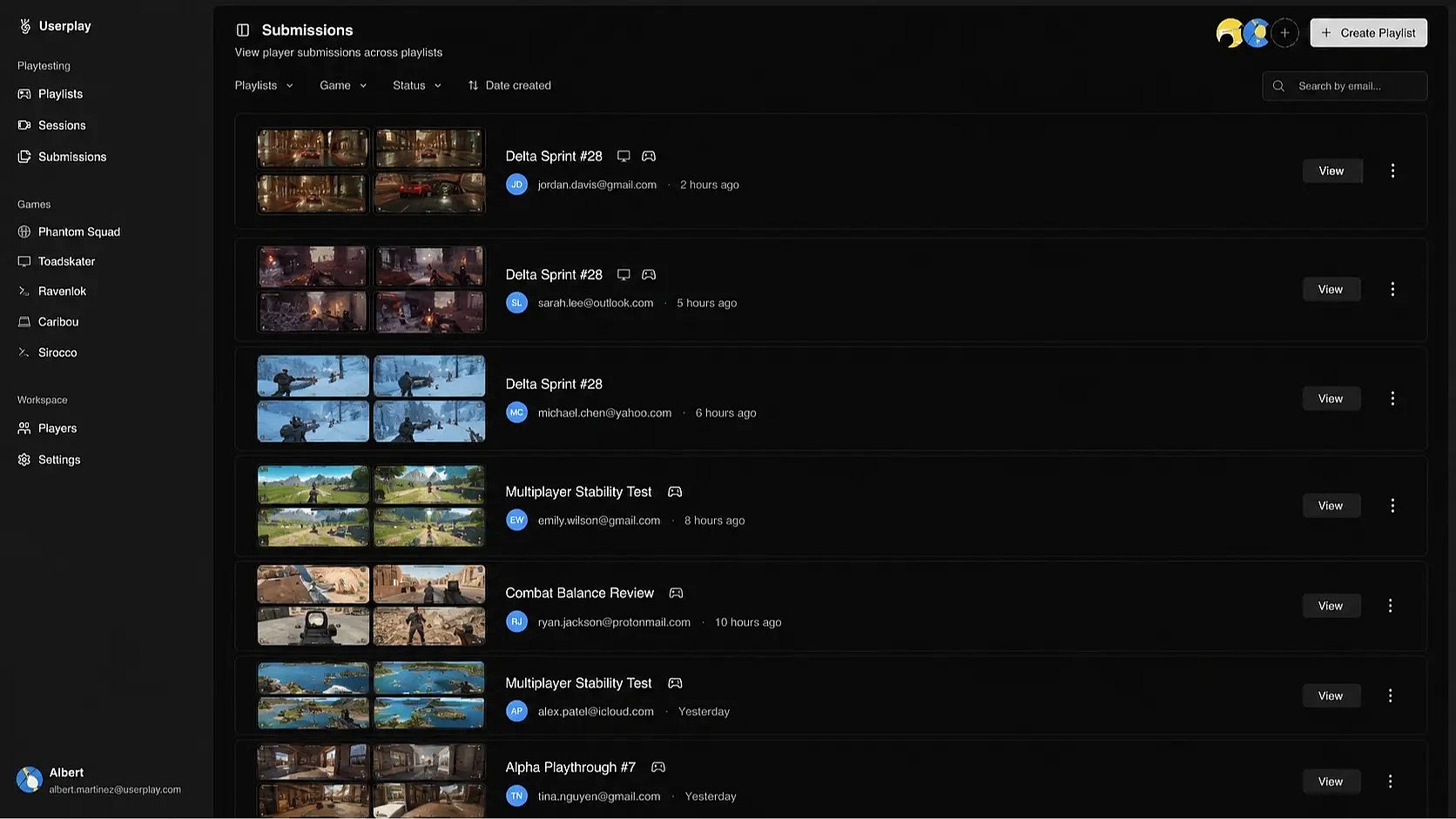

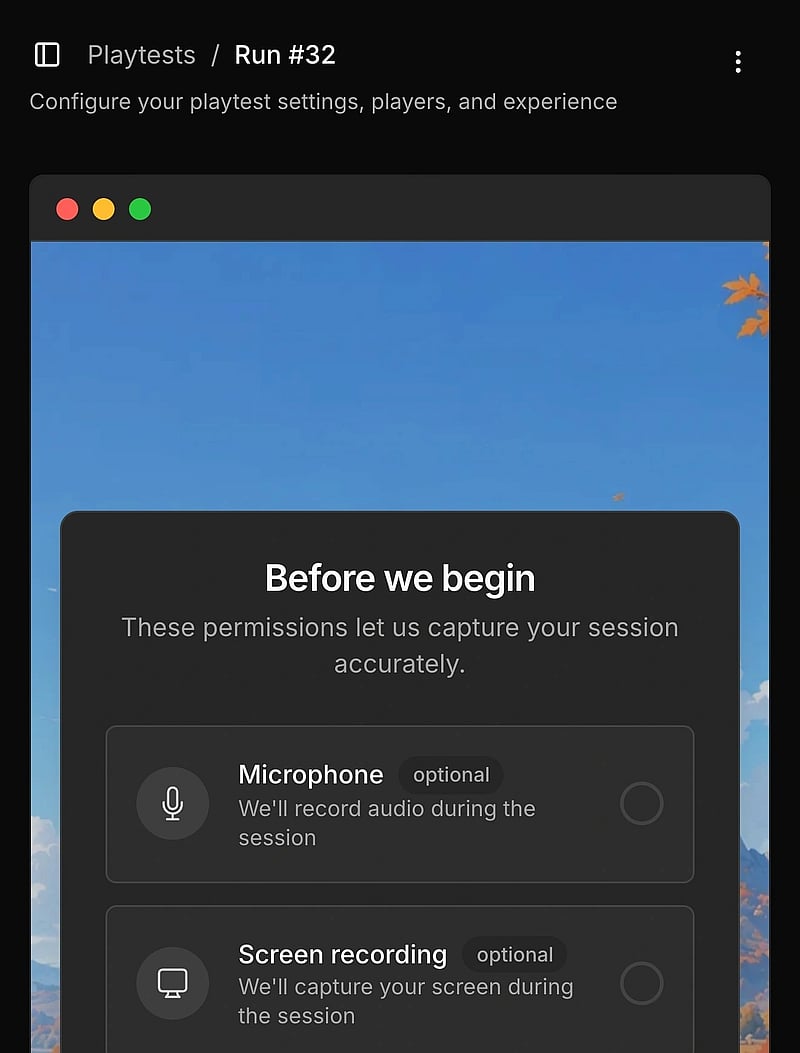
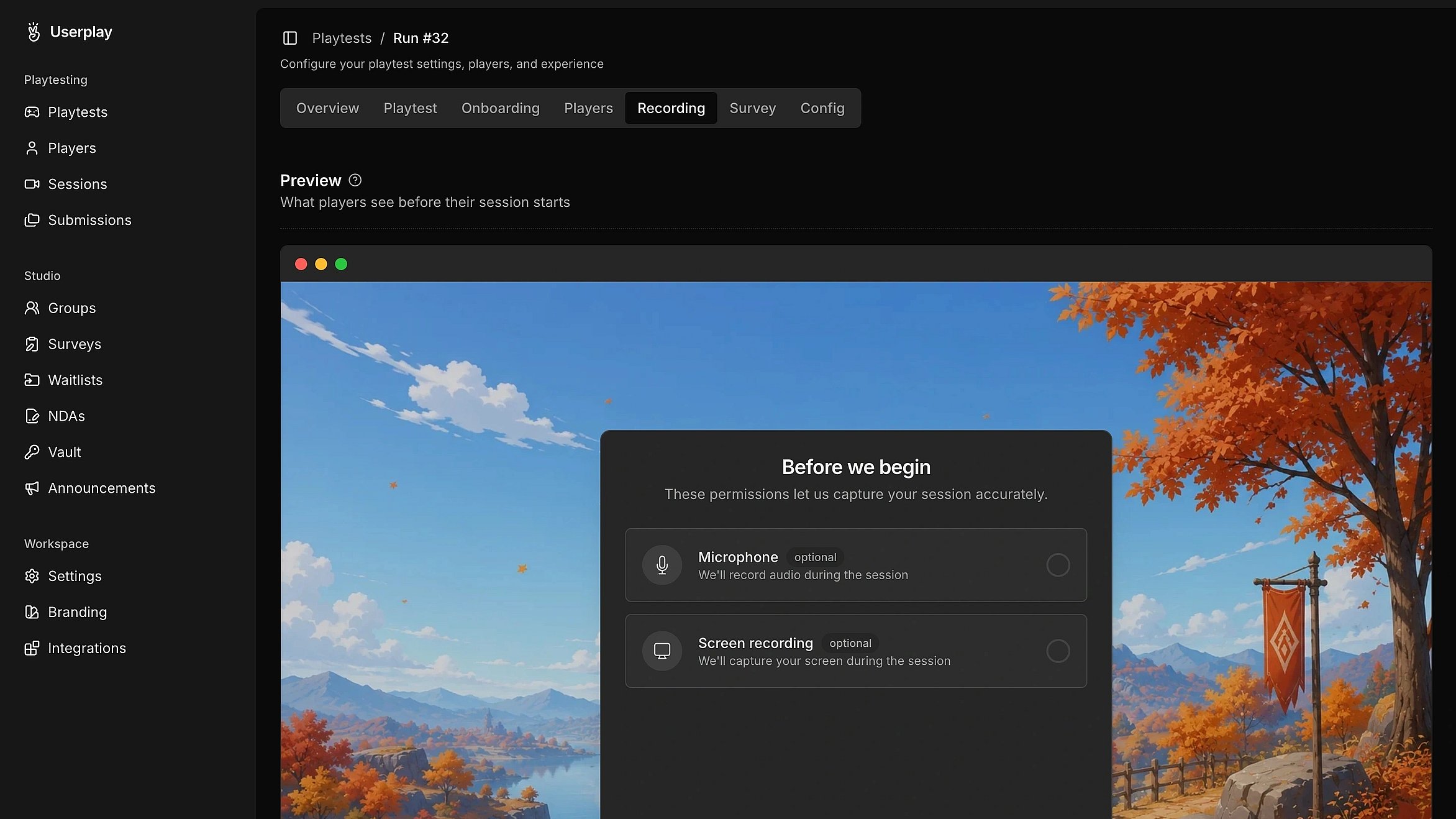
Capture gameplay recordings
Get your game in front of real players. Everything you need to run the playtest.
Discover gameplay issues
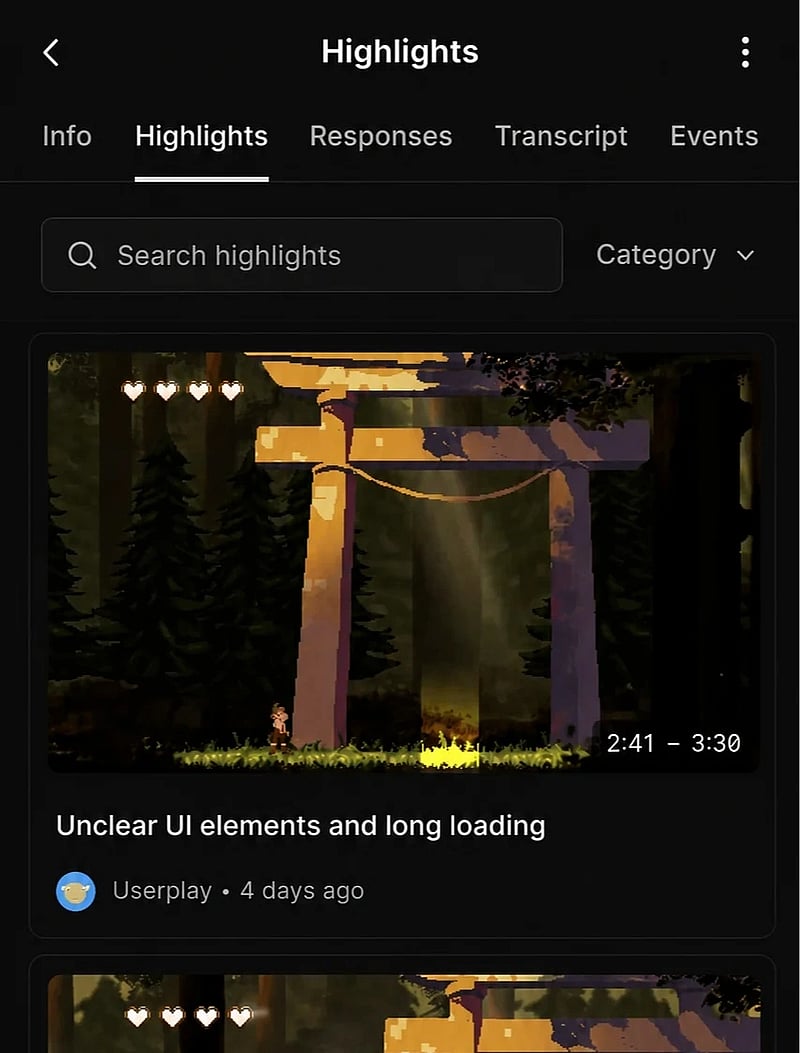
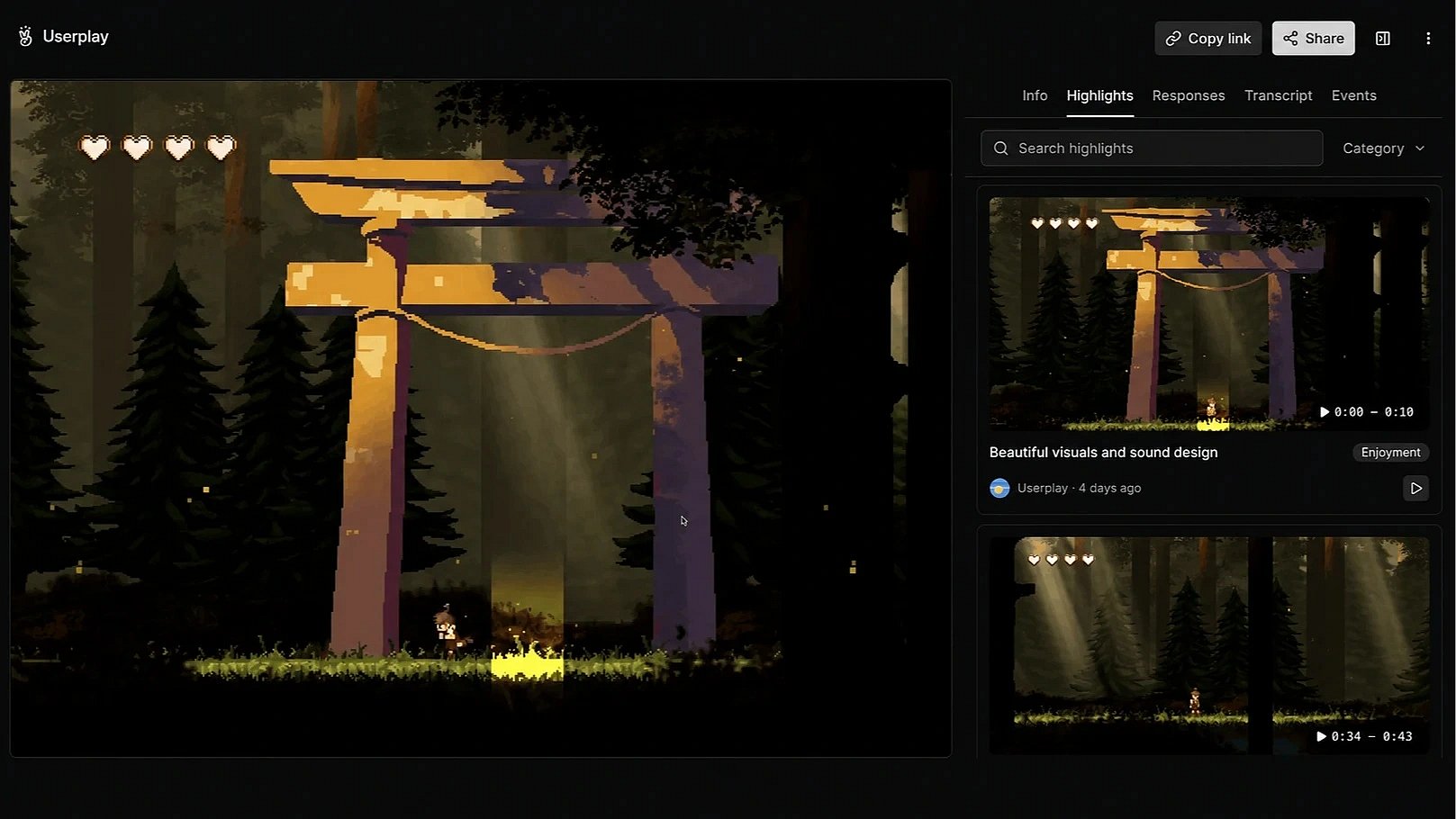
Automatically surface key gameplay moments. Go straight to the moments that need a closer look.
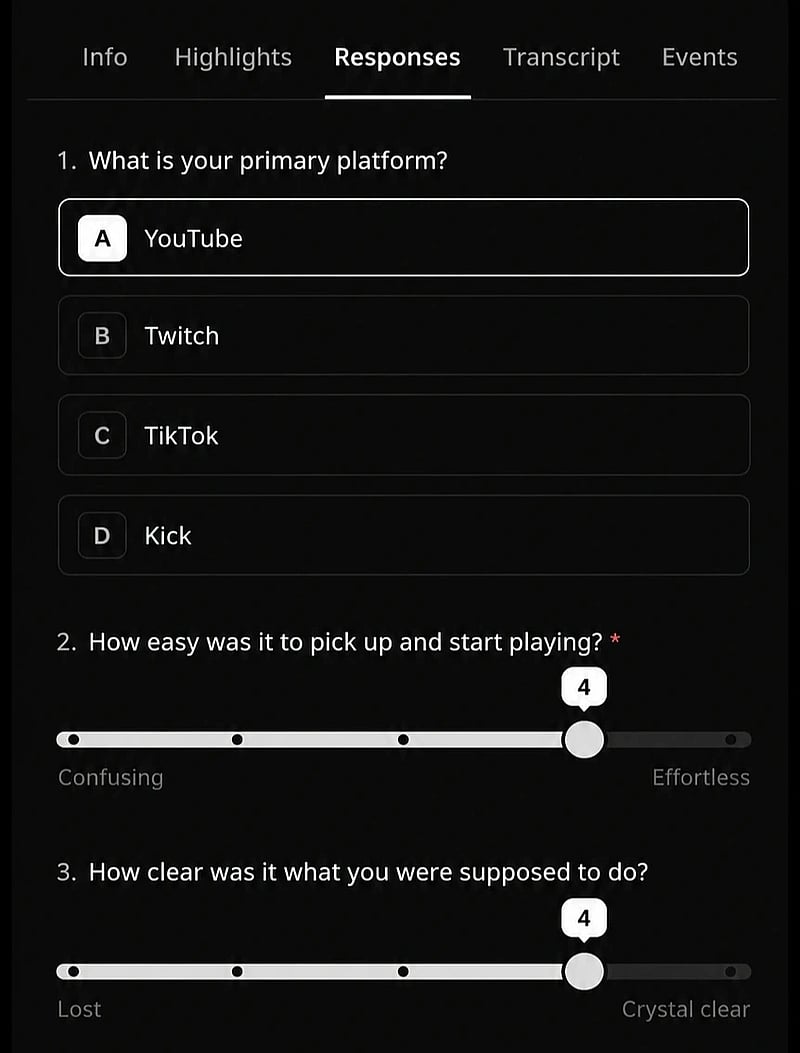
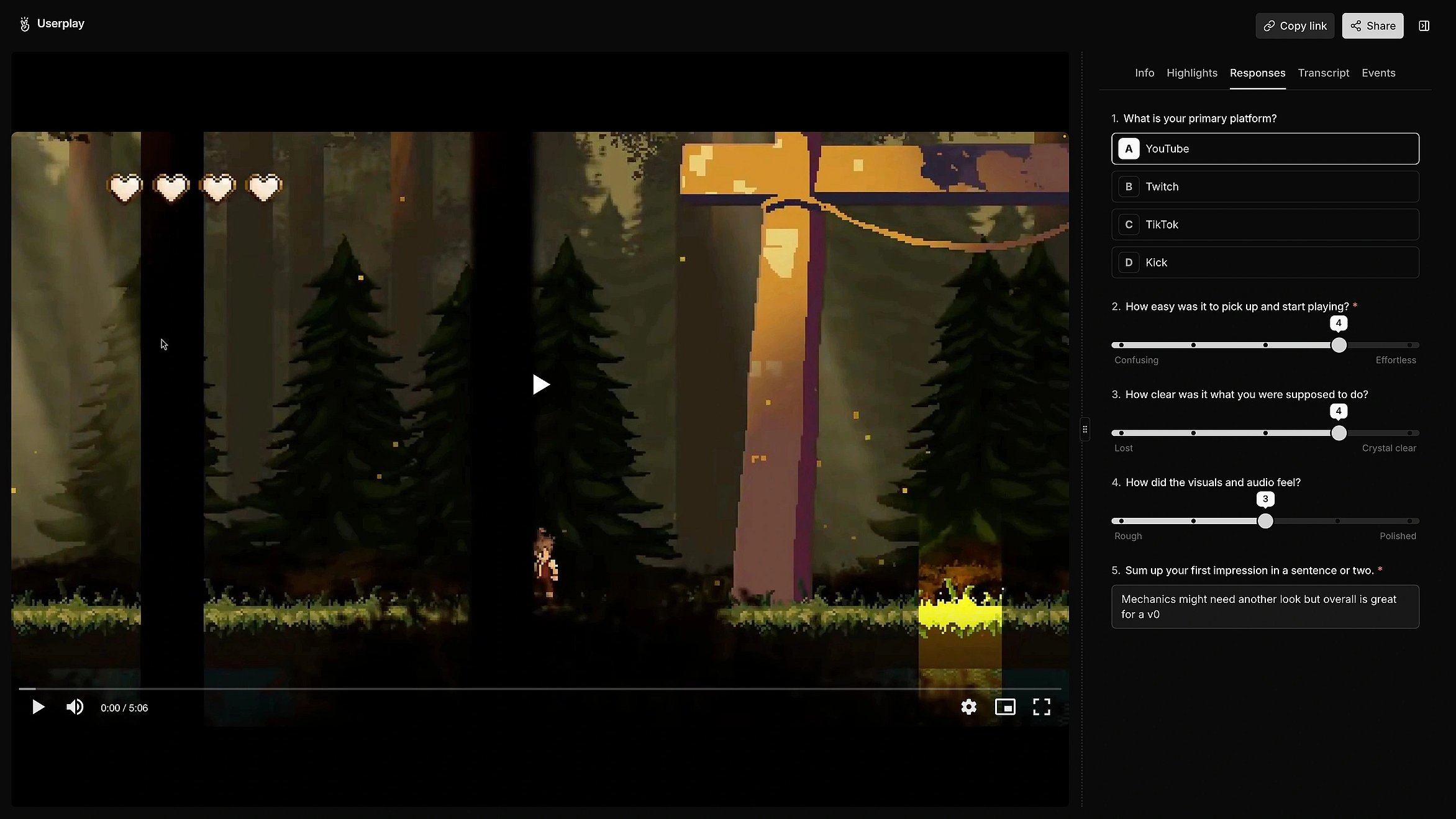
Collect player feedback
Bring player feedback into your playtests. Collect responses before, during, or after a session.
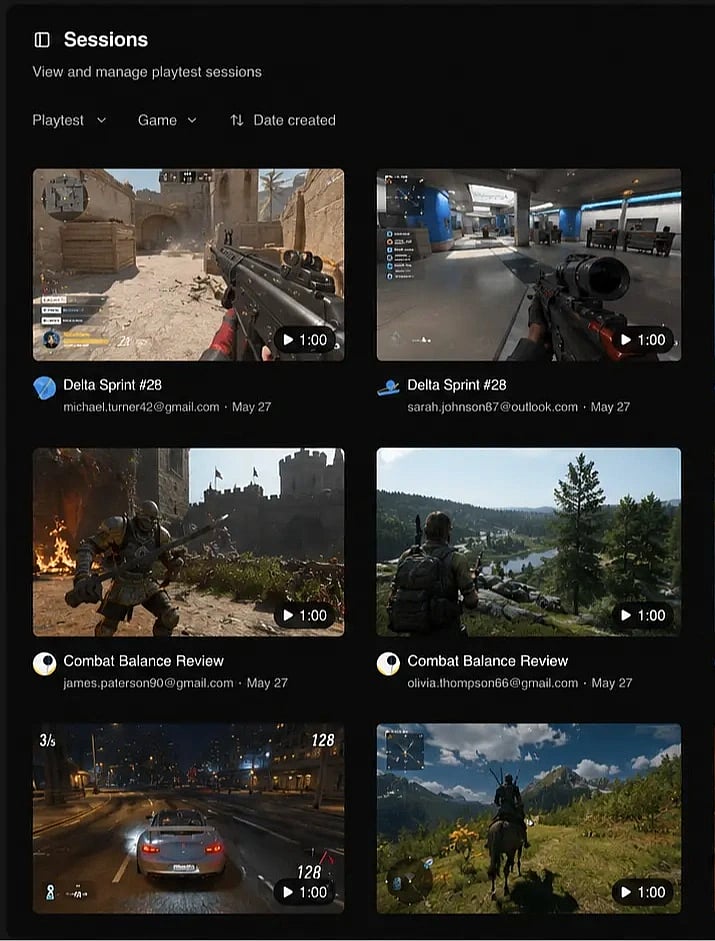
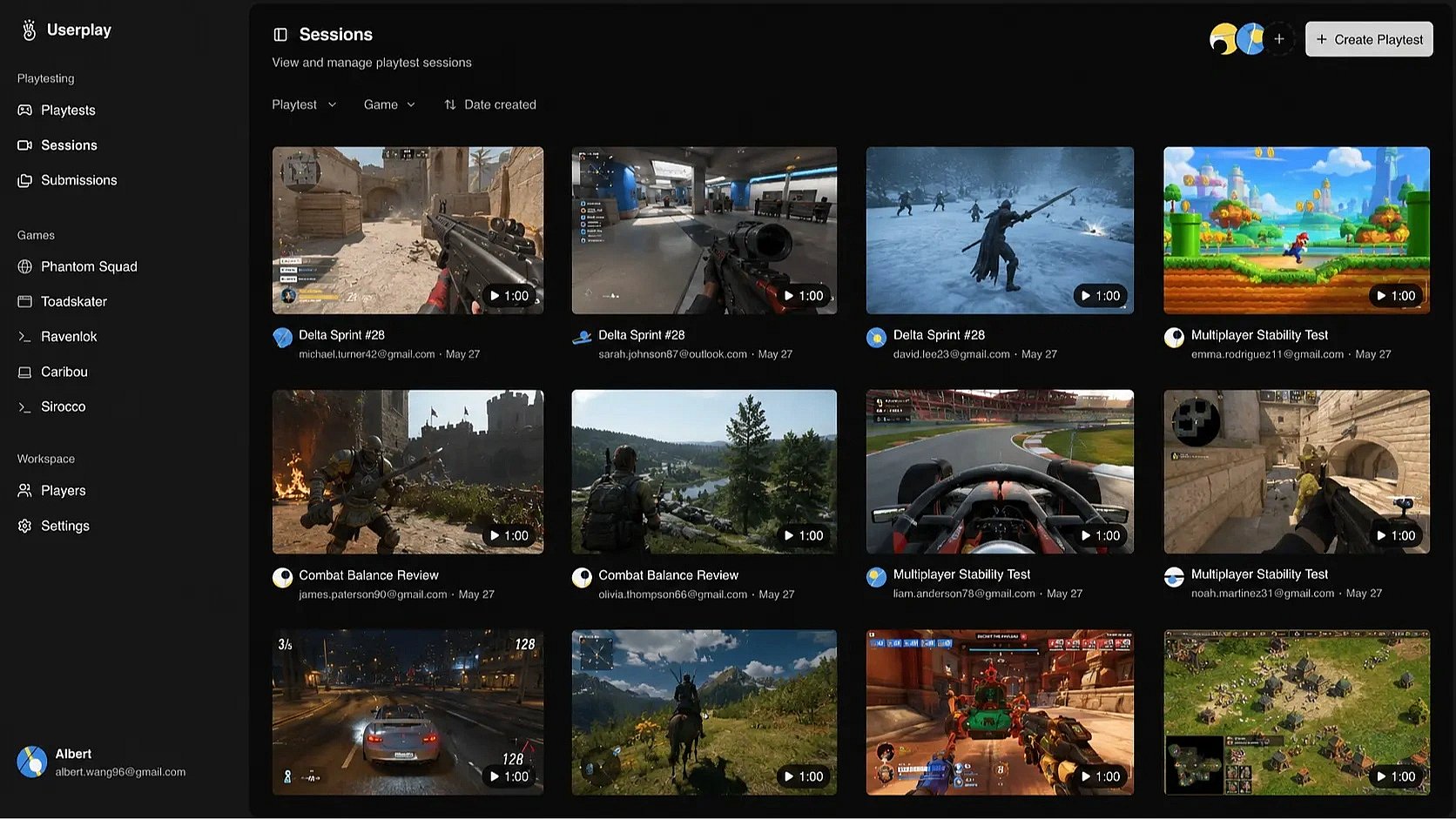
Analyze playtest results
Spot patterns, trends, and recurring issues across players. Understand how players experience your game over time.
// FAQ