// GAMEPLAY RECORDING
Record gameplay with player feedback
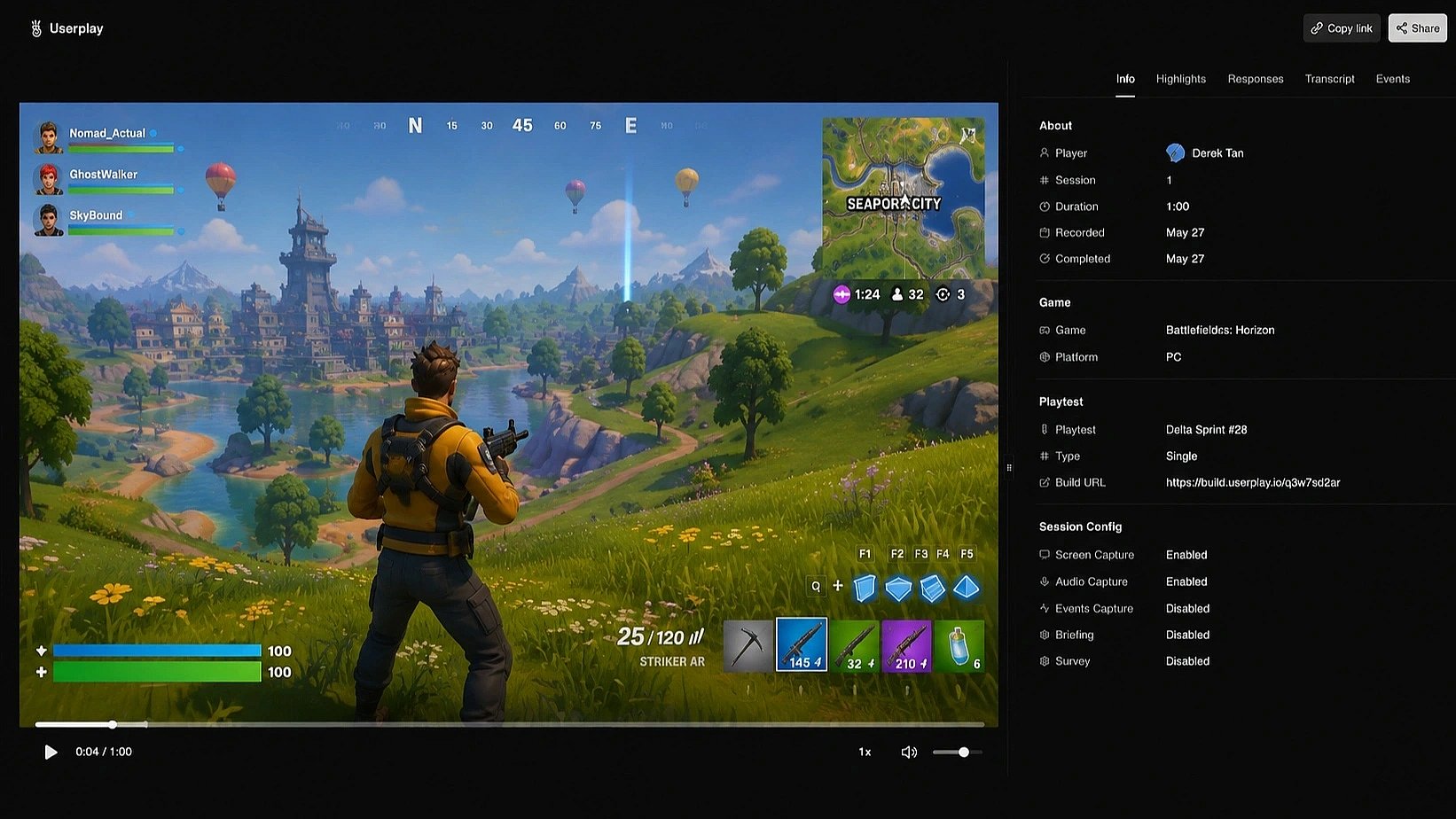
Capture gameplay without changing your game or asking players to install anything.
 Capture gameplay without changing your game or asking players to install anything.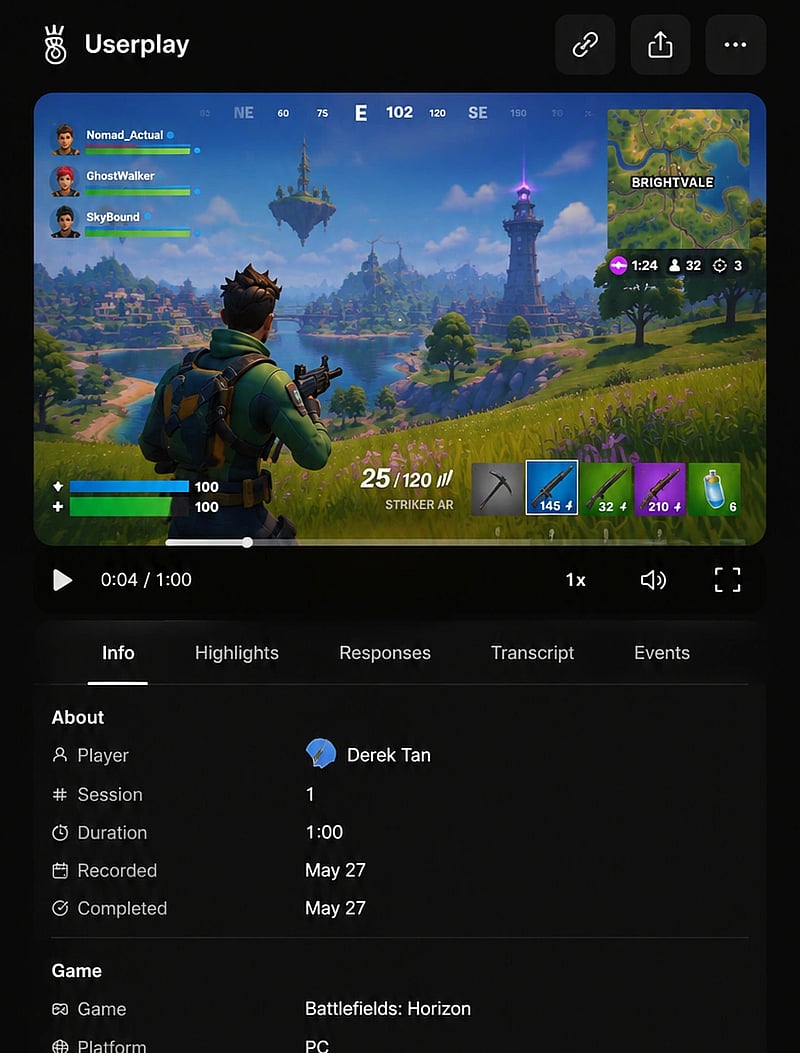
Works with
 GameMaker
  Defold
  Godot
Godot  Unity
Unity  Unreal Engine
  Steam
Steam  Epic Games
  GOG
GOG  itch.io
  Chrome
  Windows
  macOS
macOS  Linux
Linux  Web GameMaker Defold Godot Unity Unreal Engine Steam Epic Games GOG itch.io Chrome Windows macOS Linux Web
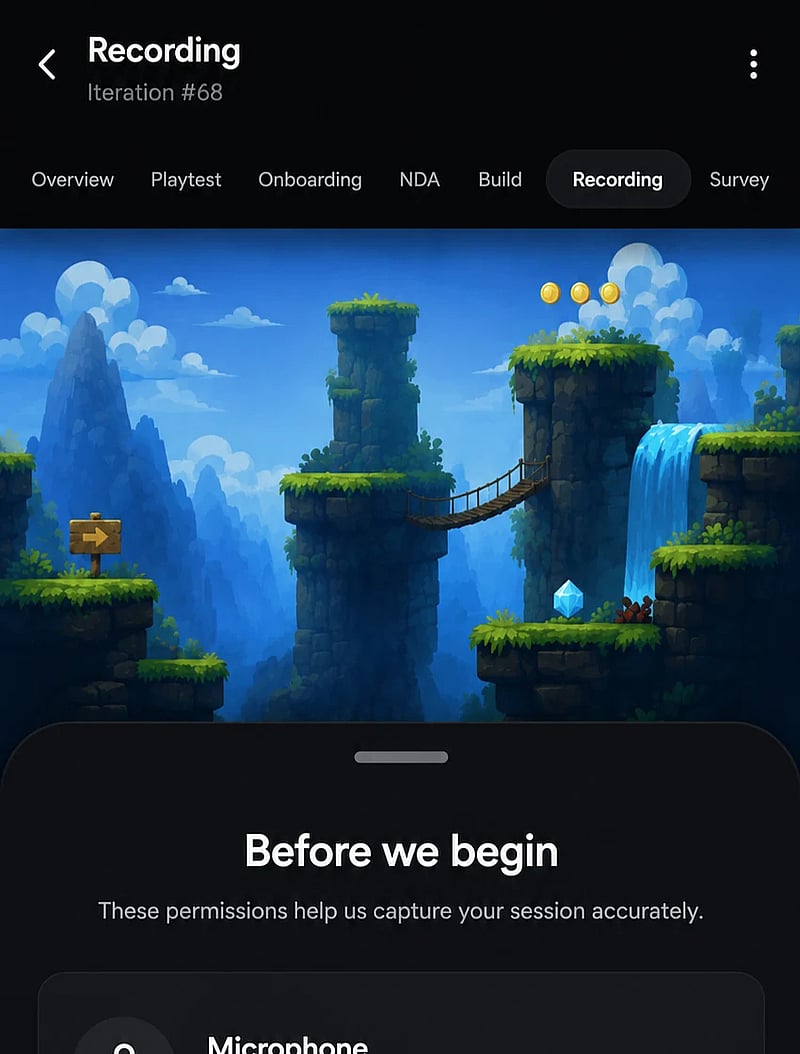
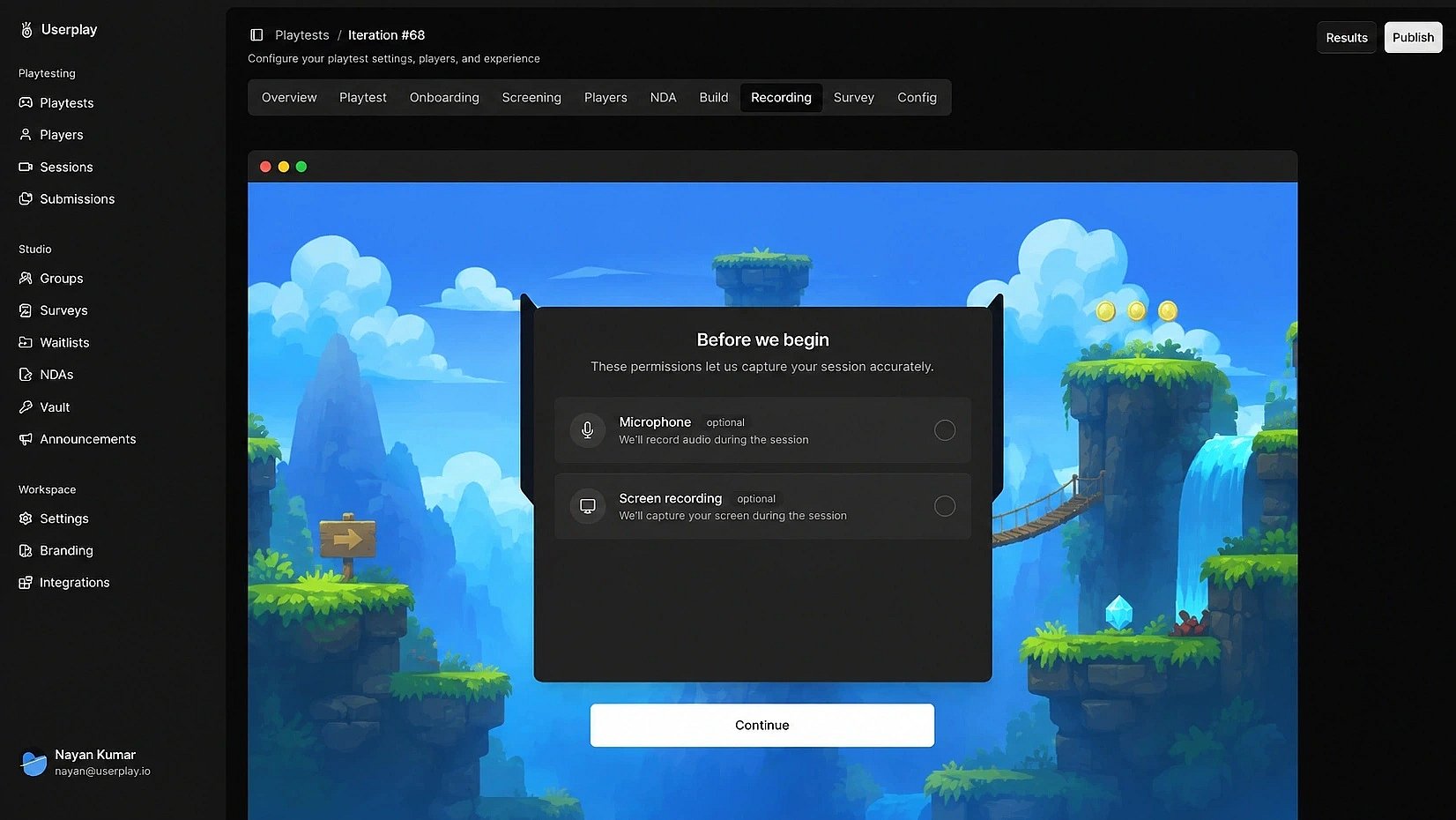
Capture gameplay without code changes
Record every moment, from first impressions to final feedback. No code changes, plugins, or downloads required.

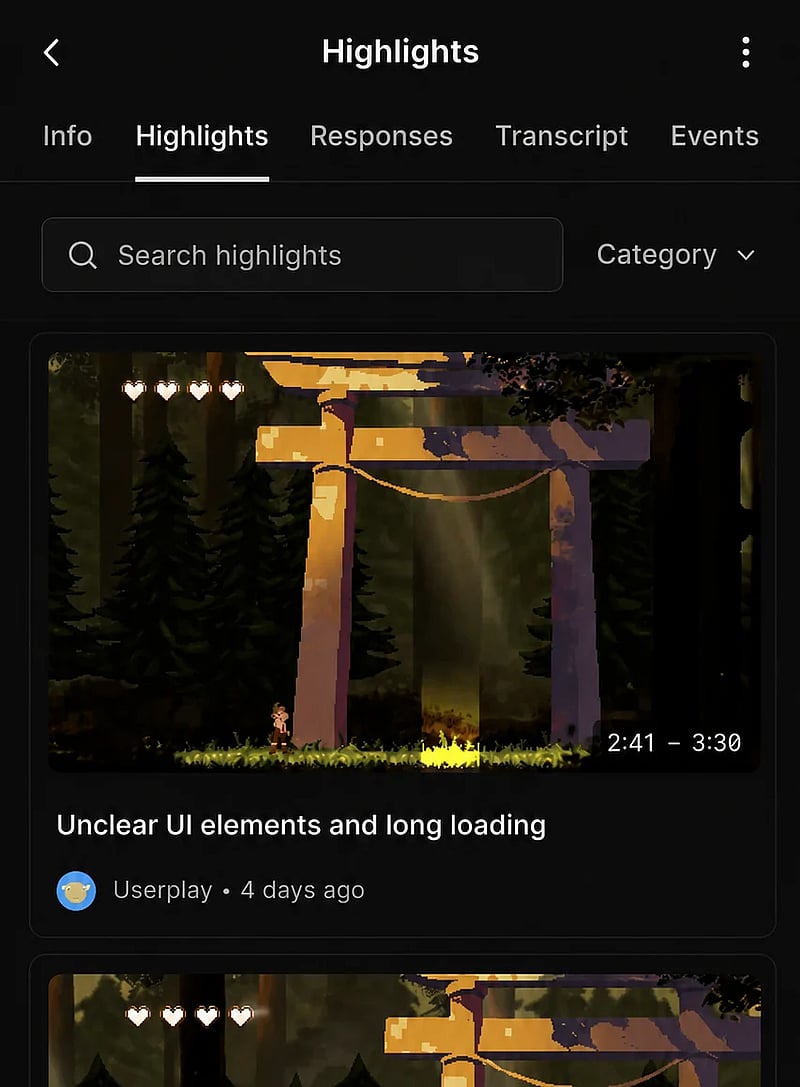
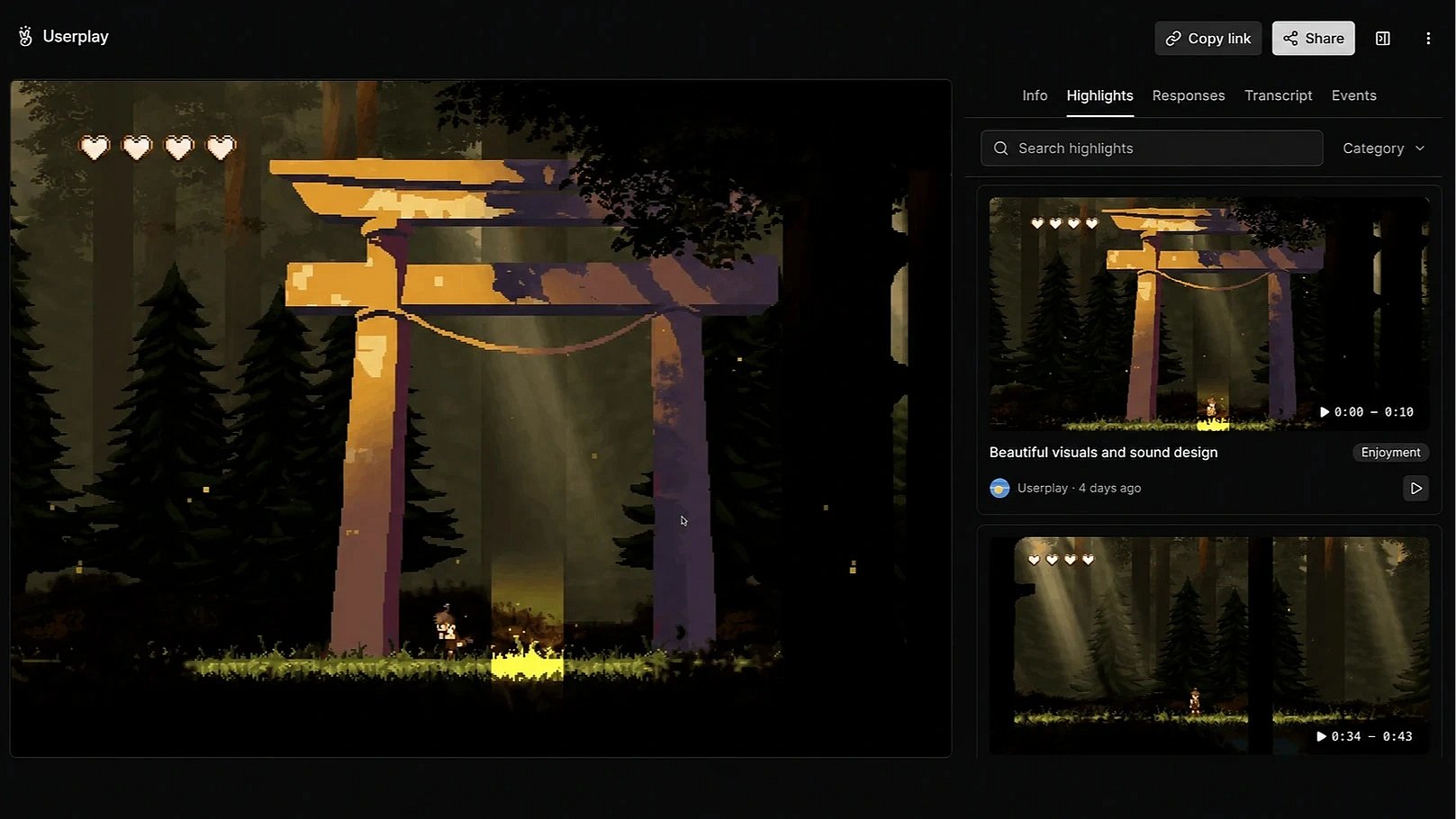
Replay every moment that matters
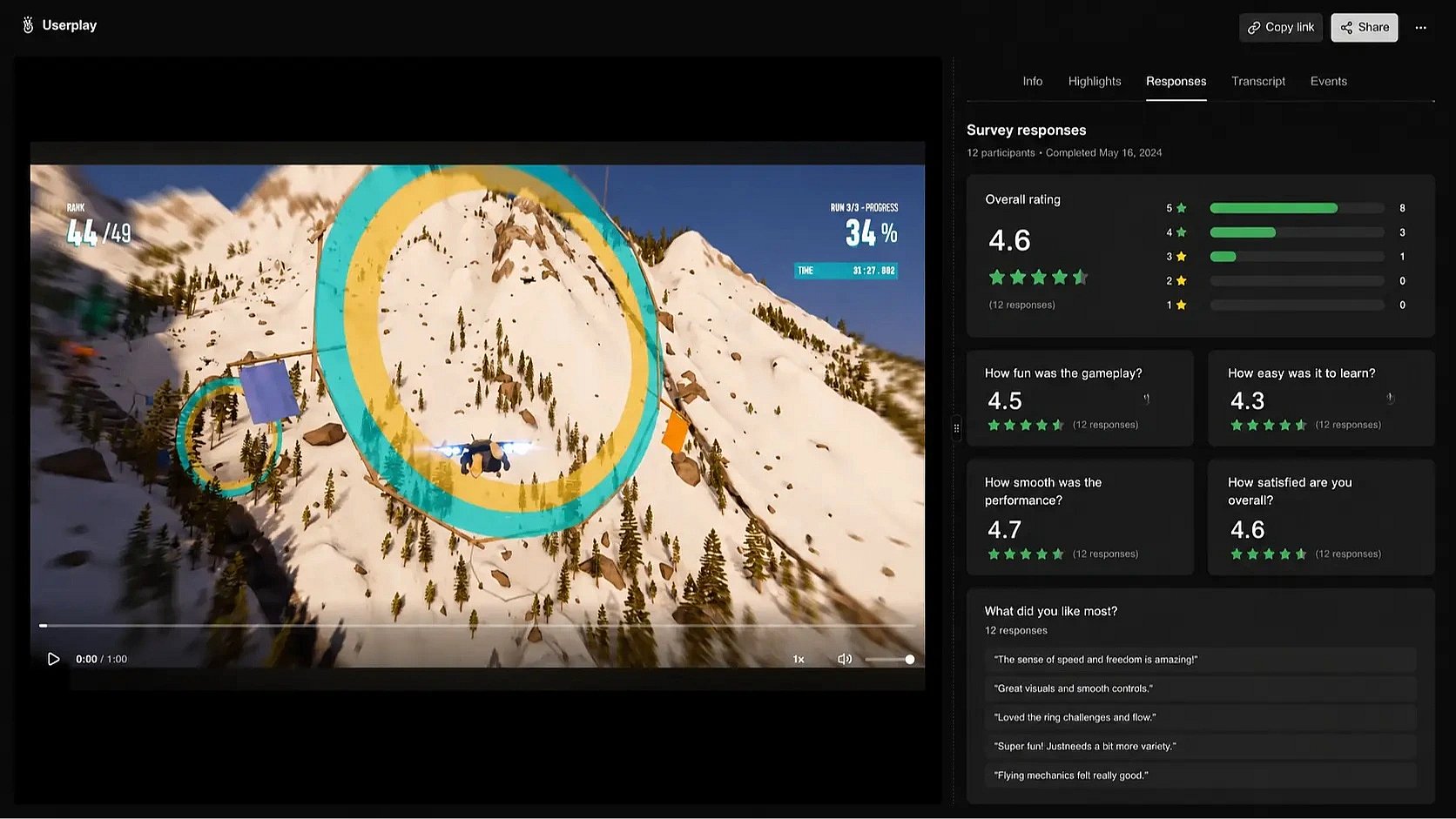
Never miss what happened during a playtest. See what players did, what they said, and where they got stuck.
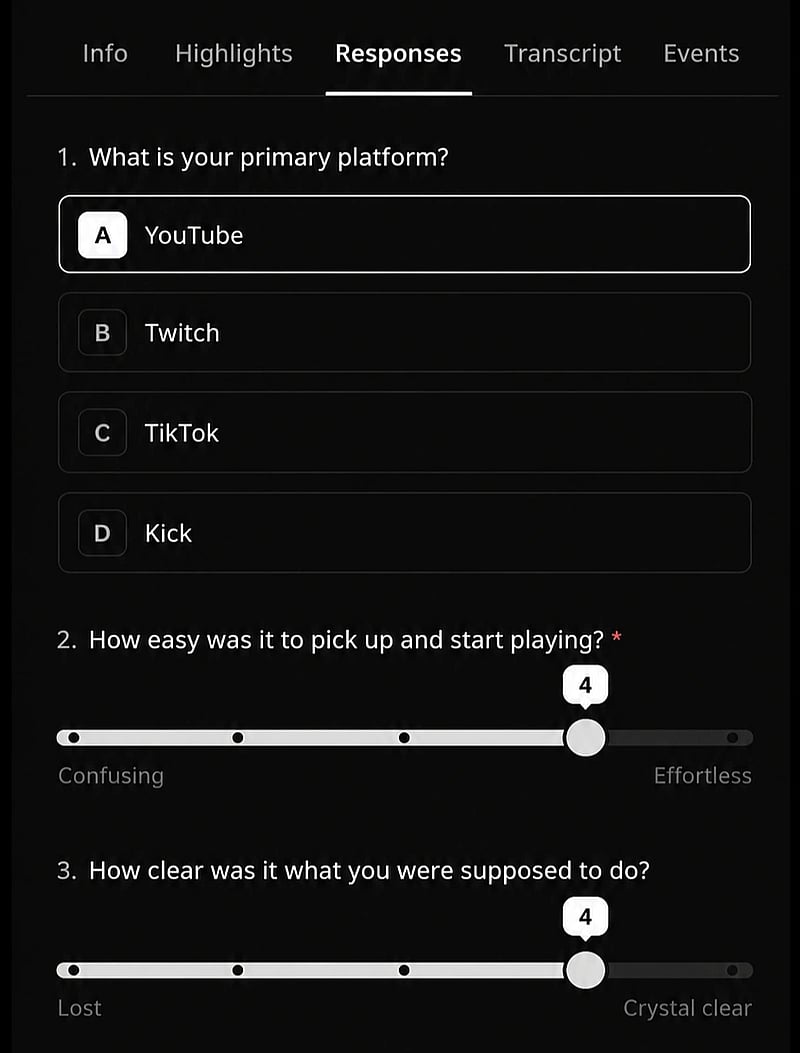
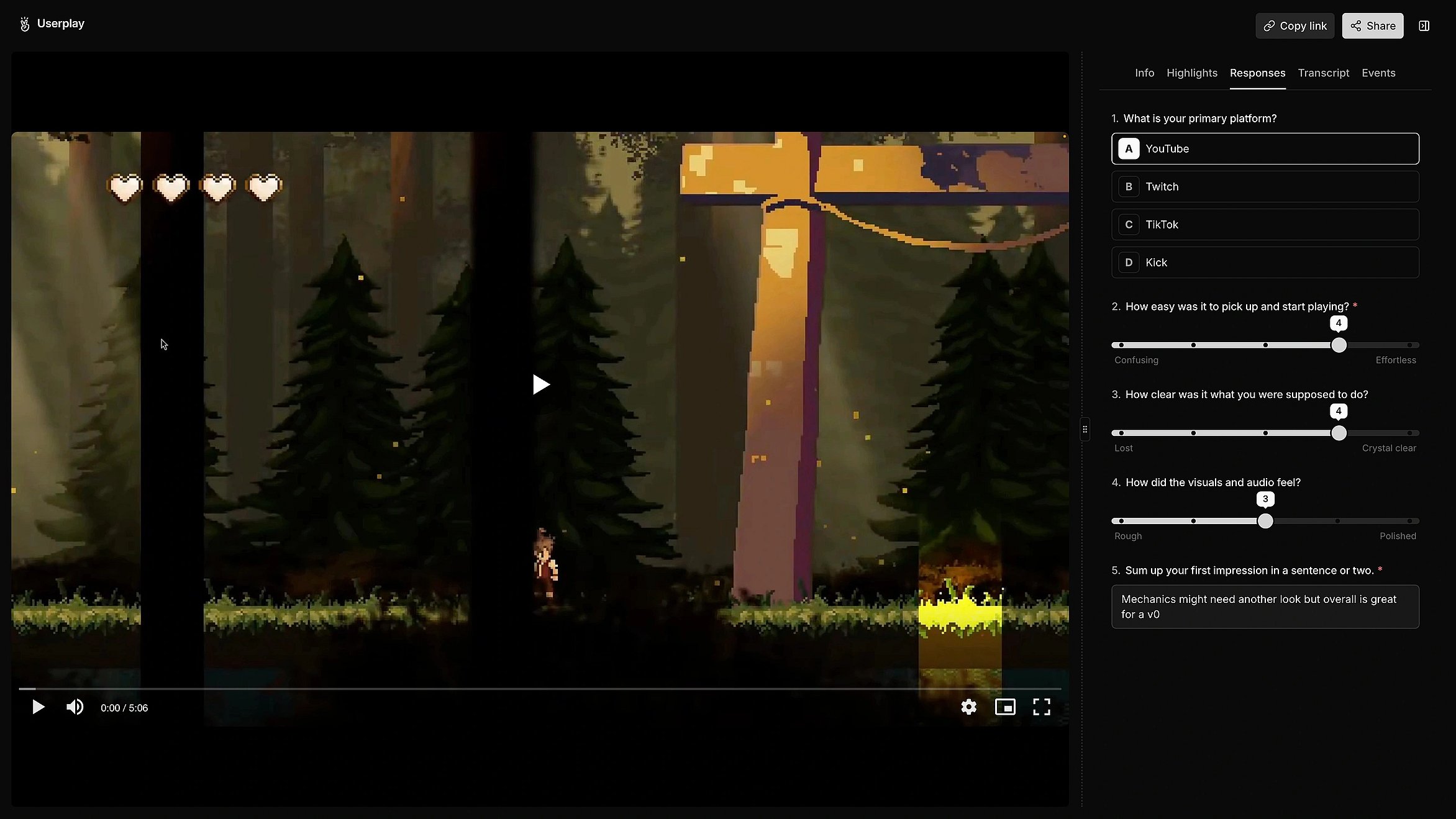
Understand every feedback
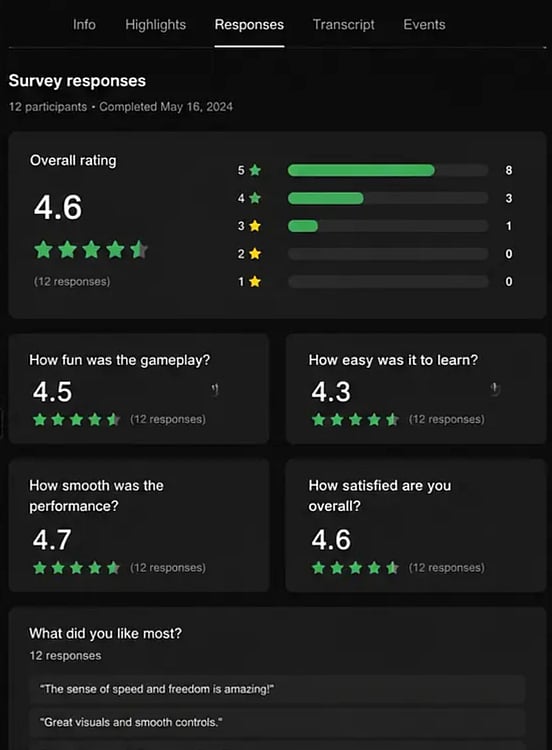
Make it easier for players to share feedback. Understand issues players struggle to put into words.
Review together with your team
Share player recordings, discuss findings, and review gameplay together with your team.
// FAQ